Start with contacts — then decide if the glass needs a bench
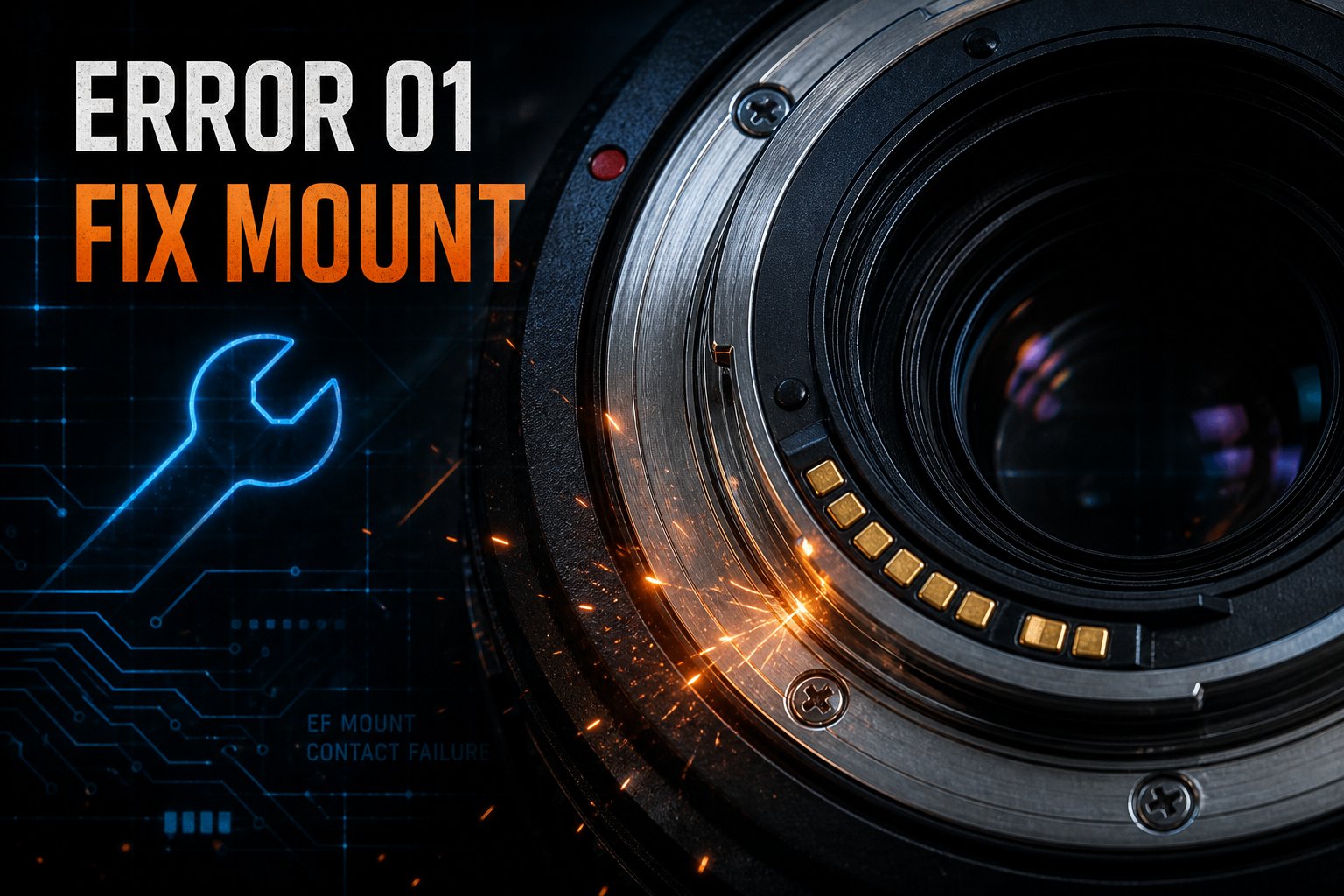
Canon Error 01 means the lens and body are not communicating over the mount contacts. A lot of the time it is dirty or oxidized gold pins. Sometimes it is the aperture unit or a flex cable (FPC) inside used EF/RF glass. This guide keeps the DIY path safe, then marks when mail-in diagnosis makes more sense.
Plain English: Err 01 is a communication fault, not “dirty glass” or a random blur code. Treat it as electrical/mechanical until proven otherwise.
Safe DIY ladder (do these in order)
Camera off. Remove the lens. Check for bent pins or obvious debris. Reseat until it locks, then power on.
Try a second lens on this body. Try this lens on a known-good body. Whichever side the error follows is your suspect.
Power off. Gently wipe lens and body contacts with a clean dry cloth or microfiber. Canon’s guidance is dry only — no wet cloth, and do not touch gold contacts with bare fingers. Never drip liquid into the mount or onto glass.
If Err 01 is gone across a few power cycles, you likely cleared a contact issue. If it snaps right back, stop repeating the same wipe.
Stop-line: Error returns immediately after a proper dry clean + reseat, aperture looks stuck, you hear grinding, AF hunts hard, or only this lens fails on a known-good body. More wiping will not fix a failed aperture unit or torn flex.
Field tip: on many zooms, if Err 01 shows when stopping down but shooting wide open still works, that pattern often points at aperture communication (flex/ribbon) rather than simple dirty contacts. Useful to note for a shop — not a full DIY repair.
Isolate the fault before you decide next steps
| What you see | Likely side | Next move |
|---|---|---|
| Error clears after dry contact cleaning | Contacts / oxidation | Monitor; avoid oily fingers on the pins |
| Same lens fails on a known-good body | Lens | Mail the lens with Error 01 notes |
| Multiple lenses fail on one body after cleaning | Body mount / electronics | Diagnose the camera, not just “another lens” |
| Stuck aperture, grinding, or zoom-linked Err 01 | Aperture unit / flex | Stop DIY; diagnosis-first repair path |
When DIY fails: what is probably broken
Contacts / oxidation
Oil, dust, or light corrosion interrupts the handshake. Cleaning often helps — once.
Aperture unit
Err 01 often pairs with stuck blades or wrong aperture reporting on hard-used zooms.
Ribbon / flex (FPC)
Internal flex cables fatigue from zoom/focus travel. Communication drops even when contacts look perfect.
Body-side mount path
If every lens errors on one body after cleaning, the camera’s mount contacts or board path may need diagnosis.
Repair vs replace (keep the math honest)
There is no universal dollar number that fits every Error 01. Independent shops diagnose first; parts and labor vary by EF vs RF, L vs kit, and whether the aperture unit or flex is involved.
- Often worth diagnosing: workhorse L primes/zooms you still shoot, glass that is expensive to replace used.
- Often not: entry kit lenses where a working used copy costs less than a realistic repair path.
- Decision rule: get a diagnosis-first estimate, compare to recent sold comps for a working copy, then choose. Do not assume a fixed “Error 01 price.”
What helps a partner shop diagnose Error 01
- Usually the lens is the unit under test if it fails on a known-good body.
- Share exact Error 01 wording, bodies already tested, whether dry cleaning already failed, and any stuck aperture/AF symptoms.
- Ask for diagnosis-first — authorize repair only after you see the cause and range.
- Partner shops handle intake with the customer directly (including how they want gear sent in).
Independent specialists vs Canon depot
Canon depot is the OEM path. Independent lens specialists (examples people mention include Kurt’s Camera, Camera Service Company, and SPTS) can be faster or more economical for used glass — that is not an endorsement, just a soft map of the landscape. Match the shop to your mount system and ask about Error 01 / aperture / flex experience before you commit.
Need a diagnosis-first look?
If you already did the dry-contact ladder and Err 01 still owns the lens, Mad Labs Repair can take a mail-in look — send symptoms and what you already tested. Site CTAs on the page handle the next step.
FAQ
What does Canon Error 01 mean?
Lens communication error: body and lens are not exchanging data correctly over the mount contacts.
Can dirty contacts cause it?
Yes — that is why dry cleaning and reseating come first.
When is it more than contacts?
Immediate return after cleaning, one lens on a good body, stuck aperture, grinding, or hard AF faults.
Lens or camera for mail-in?
Lens if the error follows the glass; body path if multiple lenses fail on one camera after cleaning.
Is repair worth it?
Often for valued L/workhorse glass after a real quote; kit glass may not clear the bill. Compare to working used prices.