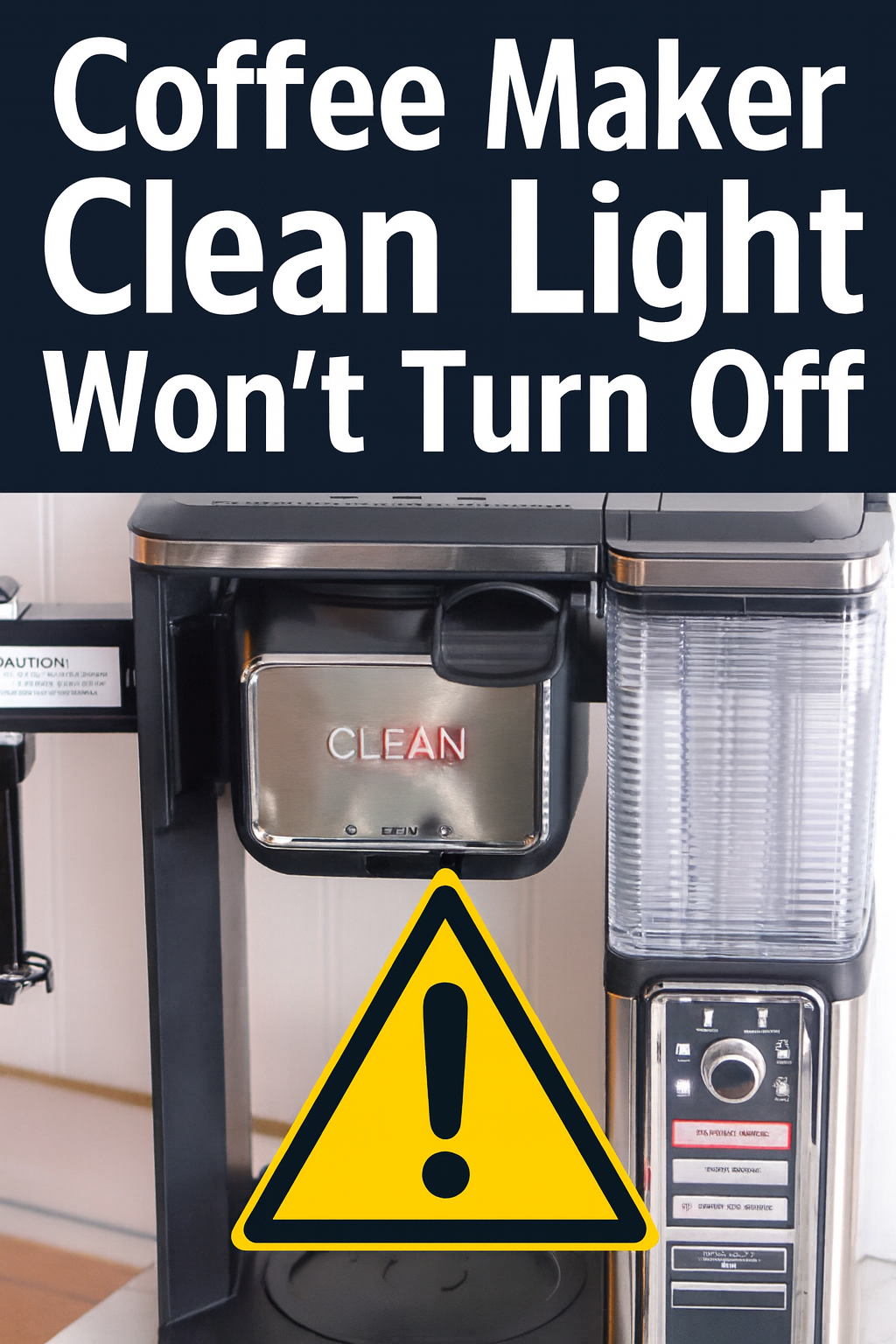
Coffee Maker Clean Light Won’t Turn Off
(Keurig, Cuisinart, Ninja, KitchenAid, etc.)
Your coffee maker says CLEAN or DESCALE, you do the whole vinegar ritual…
And the light just stares back at you like, “Try again.”
People with Keurig, Cuisinart, Ninja, KitchenAid, Black+Decker, Bella, and more all report the same thing:
“I’ve run multiple cleaning cycles and this stupid light still won’t shut off.”
On Reddit, Facebook groups, and product Q&A pages, you’ll see owners of Duo-style Keurigs, Cuisinart SS/DCC series, Ninja Coffee Bar/DualBrew, and KitchenAid drip machines rinsing and descaling all day long with no luck. (Reddit)
Let’s fix that.
⚡ Quick reality check (and what to do first)
If you’re busy and don’t want the full nerd-out, here’s the short version:
👉 If you’ve already run at least one full descale/clean cycle exactly like the manual says, and the light still won’t clear, do NOT keep blasting vinegar through it all week.
That usually means:
- The machine never actually finished its special clean/descale mode, or
- The scale is deeper than a basic flush, or
- A sensor or control board is stuck and needs real service. (Product Help | KitchenAid)
If your coffee maker is a mid‑range machine (think $80–$200+ Keurig, Ninja, Cuisinart, KitchenAid, etc.), it’s usually worth doing one serious attempt at a proper descale/reset and then, if it’s still nagging you, treating it as a repair, not “one more vinegar rinse.” (Cuisinart)
💬 If the clean light has been stuck for days and you’re also seeing slow brews, tiny cups, or weird steam, that’s a “talk to a repair shop” moment.
What that clean / descale light is actually watching
There’s no magical “dirt sensor” in your coffee maker.
Depending on brand/model, that light is usually triggered by one (or both) of these:
- A simple counter / timer
- Machine tracks either brew cycles or run time since the last clean.
- Once it crosses a threshold, it turns on the clean light.
- That’s common on many Cuisinart & KitchenAid drip machines. (Product Help | KitchenAid)
- A flow/temperature “behavior” check
- Some models look at how fast water is actually moving through the system.
- If the internal passages get clogged with scale, water moves slower, brew times change, heaters work harder → the brain flags “you need to descale.”
- If you don’t clean it, that same buildup can eventually confuse the sensor or heat things up enough to damage other parts. (Angelino's Coffee)
On most machines, the clean/descale light turns off only when:
- You start a specific clean/descale mode,
- Run the full volume the machine expects, and
- Either complete an automatic reset or press the right button combo at the end. (Product Help | KitchenAid)
That’s where things go wrong.
The 2 big reasons your clean light stays on
1️⃣ The cleaning cycle never really finished (or never officially “exited”)
This is the boring but super common one.
Across KitchenAid, Keurig, Cuisinart, Ninja, and others, there are lots of help pages and JustAnswer posts saying some version of:
“If you unplugged it during cleaning, or didn’t let the full cycle (and rinse) finish, the clean light will keep blinking until you do it again properly.” (Product Help | KitchenAid)
A few gotchas:
- Unplugging right after cleaning
Some KitchenAid docs explicitly say that if you unplug right after or during the clean cycle, the light will continue blinking and the machine assumes the job isn’t done. (Product Help | KitchenAid) - Not running the rinse volume it expects
A lot of machines need a full reservoir of fresh water run through after vinegar/descaler to count the cycle as complete. - Not using the button combo for “exit descale mode”
- Keurig models often need a specific two‑button press (e.g. 8oz+10oz or 8oz+12oz) to reset the descale indicator on Duo/Essentials machines. (Reddit)
- Some Cuisinart machines expect you to press the 1–4 cup or specific ounce buttons during the rinse to clear the light. (Lifeboost Coffee)
- People half‑following instructions from another brand
Reddit and coffee blogs are full of “Keurig trick worked on my Ninja” type advice, but your particular machine may have its own logic and button path. (Reddit)
If the logic never sees “cleaning completed exactly the way I wanted,” the clean light just stays on, even if the inside is relatively clean.
2️⃣ The machine is actually still scaled up (or the sensor is gummed up)
The other big bucket: it really is still dirty — just in places a quick vinegar rinse doesn’t reach.
Real‑world examples:
- Cuisinart owners report running multiple vinegar cycles, then only getting partial brews, tons of steam, and the clean light returning immediately. (Reddit)
- Ninja Coffee Bar users talk about running the clean cycle “all day” and the light still on until they or a tech cleared a big calcium clog up near the shower head and heater passages. (Reddit)
- Keurig help and coffee blogs point out that if the descale light won’t go off after one round, the machine may be heavily contaminated and need a more thorough descale and rinse, not just a single tank of vinegar. (Angelino's Coffee)
On top of that, sensors themselves can get crusty:
- Water‑level or flow sensors in some Cuisinart and KitchenAid machines can get mineral buildup and misread, leaving the clean indication stuck even after a proper cycle. (JustAnswer)
At that point, you’re not fighting your own imagination. You’re fighting hard water and tiny passageways.
The 3‑step DIY checklist (do this once, not ten times)
If you want to give it one solid shot before calling in backup, here’s how to do it properly.
Step 1: Do a real deep descale (not a splash and a prayer)
General, cross‑brand approach (always double‑check your manual):
- Empty the machine.
No old grounds, no used pod, empty carafe. - Fill the reservoir with descaling solution.
- Either a dedicated descaler, or
- ~50/50 white vinegar + water (if your manufacturer allows it). (Fantabulosity)
- Start the official clean/descale mode.
- Hit the CLEAN / DESCALE button or follow the key combo for your model.
- On KitchenAid, for example, the cleaning light goes solid when the cycle starts and blinking when you still have phases to finish. (Product Help | KitchenAid)
- Let it run as designed.
- Don’t unplug it.
- Don’t stop it early because it “seems done” — some machines run the equivalent of multiple brew cycles.
- Run at least one full tank of fresh water afterward.
Many brands expect a complete rinse cycle (sometimes more than one) before they consider the cleaning “complete.” (Product Help | KitchenAid)
If you’ve never really descaled it before and you have hard water, doing this twice in a row (back‑to‑back descale + thorough rinse) is reasonable.
Step 2: Properly exit clean / descale mode for your model
Now the part most people miss.
Every brand has its own little ritual to tell the brain “We’re done here.” Some examples users and support docs mention:
- Keurig Duo / Keurig K‑Duo Essentials
- Hold 8oz + 10oz or similar button pairs for 5–10 seconds to reset the descale indicator. (Reddit)
- Cuisinart SS & DCC series
- Pressing the 8oz + 6oz buttons, or the 1–4 cup button during a rinse cycle, can be part of the reset trick on specific models. (Lifeboost Coffee)
- KitchenAid drip machines
- Let the full clean cycle and rinse finish; unplugging mid‑process means you’ll just have to start over. (Product Help | KitchenAid)
- Ninja Coffee Bar / DualBrew
- Some guides suggest a complete clean cycle followed by unplugging for a few minutes to allow the control to reset — but the underlying issue is often deep scale in upper passages. (Reddit)
Your move here:
Look up your exact model (label on the machine) + “clean light reset” on the manufacturer’s site or in the PDF manual, and do their exact exit sequence.
Step 3: Do a soft control‑board reset
If you’ve:
- Run a proper deep descale,
- Done the exact exit/reset steps for your model, and
- The light is still on…
…try a simple brain reset:
- Turn the machine off.
- Unplug it from the wall.
- Leave it unplugged for 5–10 minutes.
- Plug it back in, set the clock if needed, and do a normal brew (no vinegar).
KitchenAid and JustAnswer techs routinely recommend this as a way to clear stuck indicators after cleaning, and Ninja articles also recommend a few minutes unplugged to reset the control. (Product Help | KitchenAid)
If, after this entire 3‑step process, the clean/descale light still won’t behave, you’ve graduated from “maintenance” into “something inside is actually unhappy.”
When the clean light is telling the truth (and you shouldn’t ignore it)
Sometimes the clean light isn’t “stuck” at all – it’s warning you that the machine is choking on scale.
Signs it’s actually right:
- Brew cycles are slower than they used to be
- You hear a lot more hissing/steaming than normal
- You get less coffee than the size you selected
- The heater seems to run hotter/longer than it used to (Reddit)
Owners describe machines that steam like crazy, brew less, and take forever, with the clean light coming back right after cleaning. That’s textbook deep scale and partial clogs. (Reddit)
Keeping it that way can:
- Overwork the heater,
- Stress the pump, and
- Increase the chance of internal leaks or blown safety parts.
So if the light comes back quickly after a genuine deep clean, take it seriously.
When it’s no longer a cleaning problem (it’s a repair problem)
These are the red flags that say “stop pouring vinegar through and get it checked”:
- Clean/descale light stays on or immediately returns after:
- a full deep descale,
- correct exit/reset steps, and
- a control‑board reset.
- The machine also:
- Won’t brew at all,
- Stops mid‑brew,
- Only dribbles a tiny amount, or
- Shows other weird lights/errors. (iFixit)
- You’ve run vinegar so many times that the machine now smells like a salad bar and still acts off.
At that point the likely culprits are:
- Deep internal scale clogs in narrow passages above or around the heater
- A stuck flow sensor / turbine / water level sensor caked with minerals
- Heat‑stressed or moisture‑damaged control board logic that’s misreading the situation (iFixit)
All of those are hardware issues. They don’t magically fix themselves with a fifth descale cycle.
Is it worth repairing a “clean light from hell” machine?
Here’s the simple way to think about it:
Usually worth repair (good candidates)
- You have a mid‑range or higher machine – think Keurig K‑Duo, Ninja DualBrew, Cuisinart PerfecTemp, KitchenAid 12‑cup, etc. that sold in roughly the $80–$200+ range new. (Cuisinart)
- Everything else (body, carafe, display, buttons) is in good shape.
- You like how it brews when it’s working.
In those cases, paying a fraction of the original price to restore flow, sensors, and the control board makes more sense than buying a whole new system.
Maybe not worth it
- Super cheap basic drip machine from 10+ years ago.
- Cracked housing, broken carafe, or other big issues on top of the clean light.
- Machine has already had power issues (tripping breakers, burning smell, etc.).
Sometimes it’s better to move on – but at least then you’re choosing that, not guessing.
What a repair shop actually does that you can’t do from the outside
A proper bench repair on a “clean light won’t go off” machine usually involves:
- Opening the case safely and inspecting for scale, corrosion, or heat damage.
- Checking flow through the heater and internal tubes – clearing out hardened calcium in places a normal descale can’t reach. (iFixit)
- Inspecting and cleaning or replacing flow/level sensors and associated wiring. (JustAnswer)
- Testing the control board and repairing or swapping it if the logic is actually failing. (JustAnswer)
- Running multiple brew/clean cycles to make sure the indicator and performance match reality.
This is the difference between “I ran vinegar again” and “the machine is mechanically and electronically healthy.”
What you should do next
If your coffee maker:
- Has a clean/descale light stuck on,
- You’ve properly descaled it, followed the exact reset steps for your model, and done a power reset, and
- It’s still nagging you (or brewing badly)…
then you’re not crazy, and you’re not alone.
📩 Your move:
Snap a photo of the model sticker (bottom or back of the machine) and a quick shot of the front, then send that with a one‑liner like:
“Clean light won’t turn off after descale + reset, now it’s [slow / partial brew / won’t brew at all].”
That’s enough for a tech to tell you:
- Whether your machine is a good repair candidate,
- Roughly what’s likely wrong (sensor vs deep scale vs board), and
- A realistic cost range before you decide to ship it or replace it.
Either way, you stop living in descale purgatory and get back to what matters: coffee that just works.

%20(7).png)


