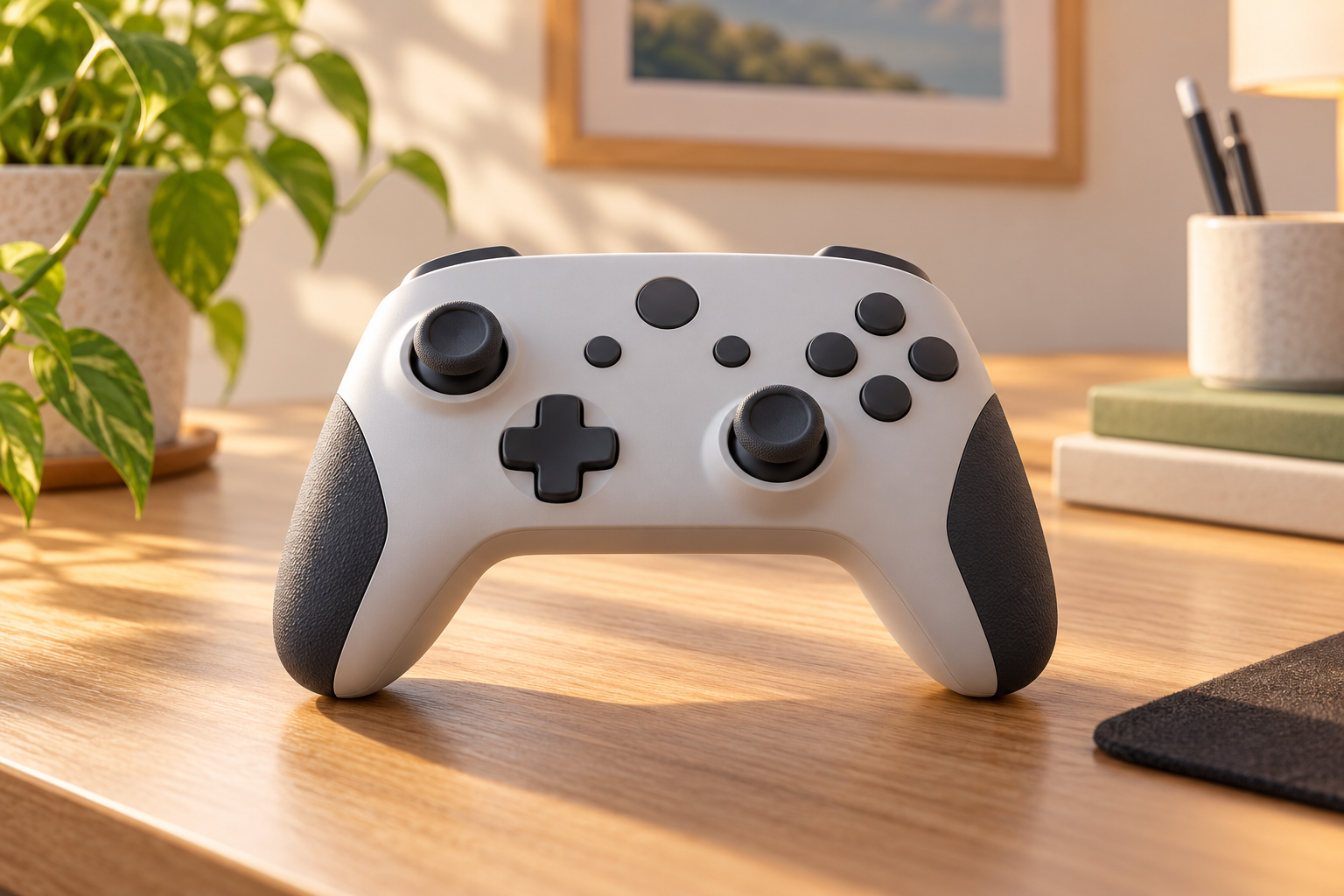
If your character walks or the camera turns after you release the stick, do not order a “replacement thumbstick” until you know what the listing contains. A stick cap, a plug-in module and a component needing board repair are different purchases.
This guide compares the next steps for standalone PlayStation and Xbox controllers. The clearest model distinction is between the DualSense Edge, which has replaceable stick modules, and the ordinary DualSense, which cannot use those modules.
Before buying: is the unwanted input consistent?
Notice whether it happens in another game or an available controller input screen, and whether it began after changing a profile. A game-specific difference may point to settings, but another game can also hide small unwanted input. Save your intentional accessibility adjustments and custom settings before changing them.
A larger deadzone ignores more movement near the stick’s center. It can hide small drift at the cost of fine control; it does not repair a worn component. There is no universal deadzone percentage or exact-zero reading that proves every controller healthy.
Use your model’s official update, reset or calibration instructions. Sony’s DualSense troubleshooting leads to its repair route for unresolved analog-stick problems. Microsoft’s Xbox calibration guidance says recalibration can address minor inconsistencies, but not all problems, including drift from normal wear. Do not keep resetting a controller when the same fault returns.
Damage changes the next step
For liquid exposure, unusual heat, swelling or a splitting case, stop using and charging the controller and seek service guidance. Do not open or press on the battery. Do not spray cleaner into a stick or force it around to chase a better reading.
Choose the route that fits the controller
You own a DualSense Edge
Check return or warranty options before paying for parts. If replacement of the stick module is the appropriate next step, Sony sells an official Edge module and provides an owner replacement procedure. You do not need a complete new controller just because a replaceable module is faulty.
You own a standard DualSense or another controller
The Edge module is not a universal PlayStation part. Use support for the exact model, then compare qualified repair with replacement if needed. Where the stick assembly is soldered to a board, changing it is board work—not the Edge’s plug-in procedure.
What the official Edge module listing actually gives you
PlayStation Direct’s US module listing specifies DualSense Edge only, with one module and a standard cap in the box. Left and right modules are interchangeable. It is not a pair, a replacement controller or a part for the ordinary DualSense.
Use that product identity when comparing a seller’s offer. Check exact compatibility, quantity, condition, seller identity, delivery and return terms. A listing for stick caps alone does not include the input-sensing module. Price and stock must be checked at purchase; this guide does not promise either or suggest paying a scarcity markup.
Follow Sony’s Edge module instructions, which begin with the controller indicator off and USB disconnected. Do not apply them to a similar-looking controller or force a module that will not seat. If you are uncomfortable with the procedure, use support instead.
If a module is unavailable or repair is proposed
Ask the manufacturer about service before treating a reseller’s expensive part as your only option. Compare the delivered module cost with a repair quote and, if necessary, a working controller with the features you actually use. A less expensive controller is only an alternative if its platform support, controls and accessibility features meet your needs.
For a repair or magnetic-stick conversion, get exact-model compatibility and the testing included: centering, full movement range, calibration where applicable, and the other controls. A Hall-effect or TMR label alone does not guarantee freedom from every future unwanted-input problem. Ask about the warranty and charges if you decline or the repair fails.
Consider the battery, buttons and triggers too; replacing one module does not renew the rest of the controller. Get acceptance and battery-safe shipping instructions before sending it anywhere. Do not ship a swollen, damaged or overheating battery as an ordinary repair parcel.
You can ask Mad Labs about the symptoms with the exact model, affected stick, games or profiles involved and previous modifications. An inquiry does not establish service availability. The manufacturer links are direct resources, not claimed repair partners.
Sources checked November 2, 2026. This is a source-based comparison, not hands-on testing or a promise that a part will fix your controller.