
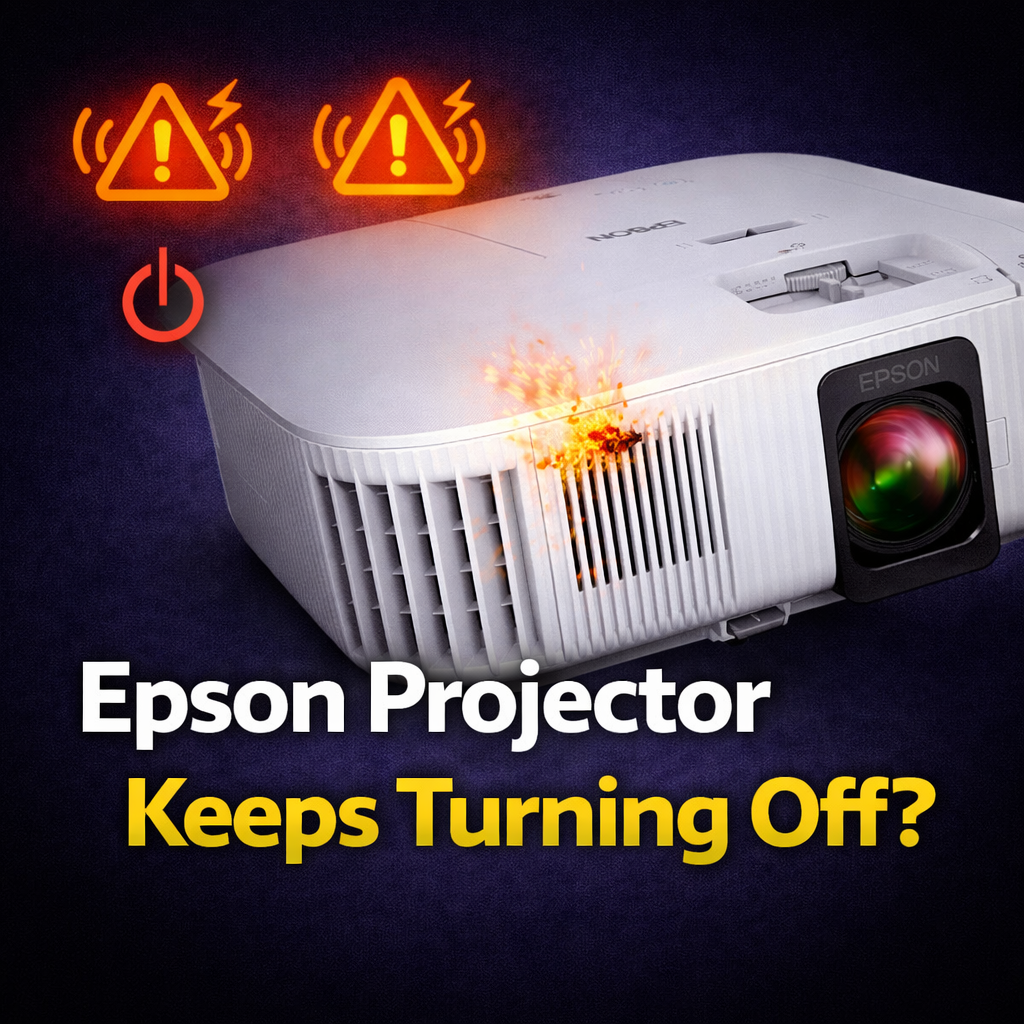
You've read a few articles already that all say the same thing — clean the filter, check ventilation, blah blah. You're here because that didn't help or you want to know what's actually going on before you start taking things apart.
Here's the thing: Epson projectors shut off for several different reasons, and the fix is completely different depending on which one it is. Doing the wrong thing wastes time and can make it worse. So let's start by figuring out which problem you actually have.
Every Epson projector has indicator lights that tell you exactly what's happening. The two you care about when it comes to shutdowns are the Power light and the Temp light.
Here's what they mean:
Power light off, Temp light solid red → The projector shut down because it overheated. This is the thermal protection doing its job. The projector got too hot and killed itself before something got damaged.
Power light off, Temp light flashing red → Fan or sensor error. The projector detected a problem with its cooling system. This is different from just being hot — it means something in the cooling hardware isn't working right.
Power light flashing, Lamp light flashing orange → Lamp issue. The bulb failed to ignite or is at end of life. Not a heat problem.
All lights off, projector just went dark → Could be the auto sleep/power off timer. This one trips people up constantly — more on it in a second.
If your Temp light is solid red when the projector shuts off, you have a heat problem. If it's flashing red, you likely have a fan problem. If neither light is doing anything, it might not be overheating at all.
Before you do anything else, check this setting. Epson projectors have a built-in auto power off timer that shuts the projector down after a period of inactivity on the signal. The default on many models is 30 minutes, sometimes less.
If your projector shuts off cleanly — no warning lights, no fan going crazy, just off — and it happens at a consistent interval, this is almost certainly your problem.
Go to: Menu → Settings → Operation → Auto Power Off (or on some models Menu → Extended → Operation → Auto Power Off)
Set it to Off or increase the time. That's it. A lot of people spend hours cleaning filters and checking ventilation when the answer was a timer.
Dust is the number one cause of Epson projectors overheating. The air filter pulls in cool air from the room to cool the lamp and optics. When it gets clogged, airflow drops, temperature rises, and the projector shuts itself off to protect its internals.
How to clean your Epson filter properly:
That last step matters. Epson projectors track filter hours separately from lamp hours. If the filter timer trips without being reset, the projector thinks the filter is still clogged even after you've cleaned it and will keep throwing warnings.
How often should you clean it? In a normal home environment, every 3-6 months. In a dusty room, garage, classroom, or commercial space — every month.
Even with a clean filter, poor placement will overheat your projector. Epson projectors need clear space around them to breathe.
The exhaust vents — usually on one side of the unit — blow out hot air. The intake vents pull in cool air from the opposite side or bottom. If either set is blocked by a wall, cabinet, shelf, or another device sitting too close, heat builds up fast.
A few things that cause this that people don't think about:
Rule of thumb: at least 12 inches of clear space on the exhaust side, at least 6 inches on all other sides.
Also check the room temperature. If you're running the projector in a hot room in summer with no air conditioning, it's fighting an uphill battle. Epson projectors are rated for environments up to around 40°C (104°F) but they'll start struggling before that if the filter isn't perfect.
This one is easy to miss. Epson projectors have a High Altitude Mode designed for operation above 4,921 feet (1,500 meters). At higher elevations, the air is thinner and the fans can't move enough air to cool the projector adequately at normal speed.
High Altitude Mode speeds up the fans to compensate. Without it enabled, a projector at altitude will run hotter than it should and may shut down repeatedly even with a clean filter and good placement.
To enable it: Menu → Extended → High Altitude Mode → On
One note: only enable this if you're actually at altitude. Using high altitude mode at sea level runs the fans faster than needed, which pulls in more dust and can actually shorten lamp life. It's not a fix for a regular overheating problem.
Put your hand near the exhaust vent while the projector is running. You should feel a steady stream of warm air and hear a consistent low hum. If you feel very little airflow, or the fan sounds like it's straining, grinding, or cutting in and out — the fan itself may be failing.
A failing cooling fan is a legitimate hardware problem. The projector will overheat even with a spotless filter and perfect placement because the fan can't move enough air to cool the lamp and optics. On some AVS Forum threads, owners describe this as the projector shutting off every 12-15 minutes with the intervals getting shorter over time as the fan degrades further.
This isn't a DIY fix for most people. Projector internals are tightly packed, fan part numbers are model-specific, and sourcing parts for older Epsons can be difficult. One iFixit user looking for a replacement temperature sensor on an Epson Home Cinema 1080 found the part was simply unavailable anywhere.
If your projector is shutting off alongside a flashing lamp light, the problem isn't overheating — it's the bulb.
Epson projector lamps are rated for roughly 3,000-5,000 hours depending on the model and whether you run it in Eco mode. As a lamp ages it gets dimmer and generates more heat relative to light output, which can contribute to thermal issues. When it's truly failing, it'll start refusing to ignite consistently.
Check your lamp hours: Menu → Info → Lamp Hours (location varies by model)
Replacement Epson lamps typically run $30-$150 depending on the model. If you're near or past rated hours and the projector is shutting off with lamp-related light patterns, replace the lamp before doing anything else.
When cleaning and adjustments don't fix it
If you've cleaned the filter, checked placement, confirmed the sleep timer isn't the culprit, ruled out the lamp, and the projector is still overheating — you're looking at a hardware problem. Most likely a failing fan, a faulty temperature sensor that's triggering false shutdowns, or a power supply issue.
One common scenario: Epson Home Cinema 1080 3LCD owners on iFixit reporting the projector constantly saying it's overheating even when it's cool to the touch. That's a temperature sensor fault, not actual overheating. The sensor is misreading and triggering the protection circuit. You can't fix this with cleaning.
Send it to us. At Mad Lab Repair we diagnose projector shutdowns properly — checking fans, thermal sensors, power boards, and lamp circuits before quoting a repair. If it's a fan replacement or sensor issue on a projector worth fixing, we can usually sort it. Send us the model and describe what the lights are doing when it shuts off. We'll tell you if it makes financial sense.
DIY fan replacement. If you've confirmed the fan is the problem and you're comfortable with disassembly, a fan replacement is one of the more approachable projector repairs. One AVS Forum member replaced a BenQ projector fan himself for $10 in under an hour after getting a $200 quote from a repair shop. Projector fans are brushless DC motors — if you can find the right part number, it's a soldering and reassembly job. YouTube are your best resources for your specific model.
Upgrade instead! If yours is heading toward replacement, current Epson home cinema models worth looking at:
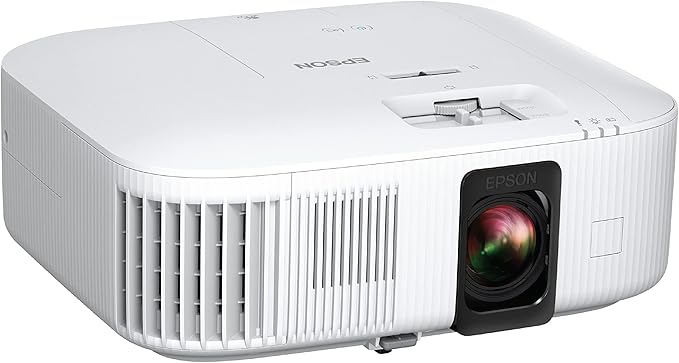
the Epson Home Cinema 2350 is the current entry-level 4K option.
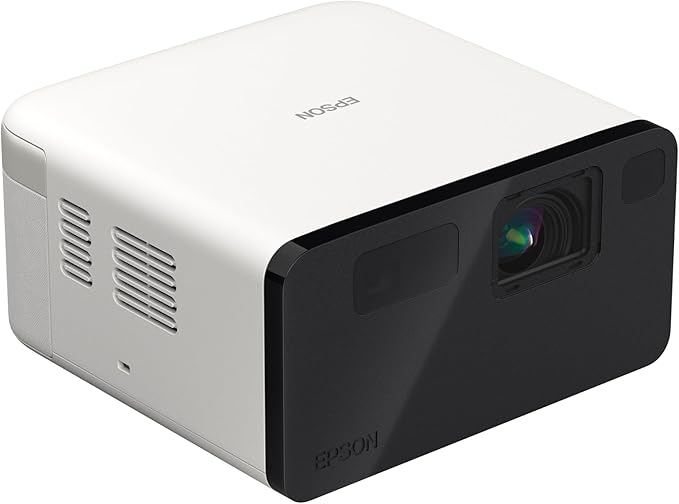
The Epson EpiqVision Mini EF21 is worth a look if you want a compact laser projector without the lamp replacement issue entirely — laser projectors are rated for 20,000+ hours versus 3,000-5,000 for lamp models.
%20(7).png)
Fix what’s worth keeping.
Copyright © 2025 Mad Labs Repair. All Rights Reserved


