
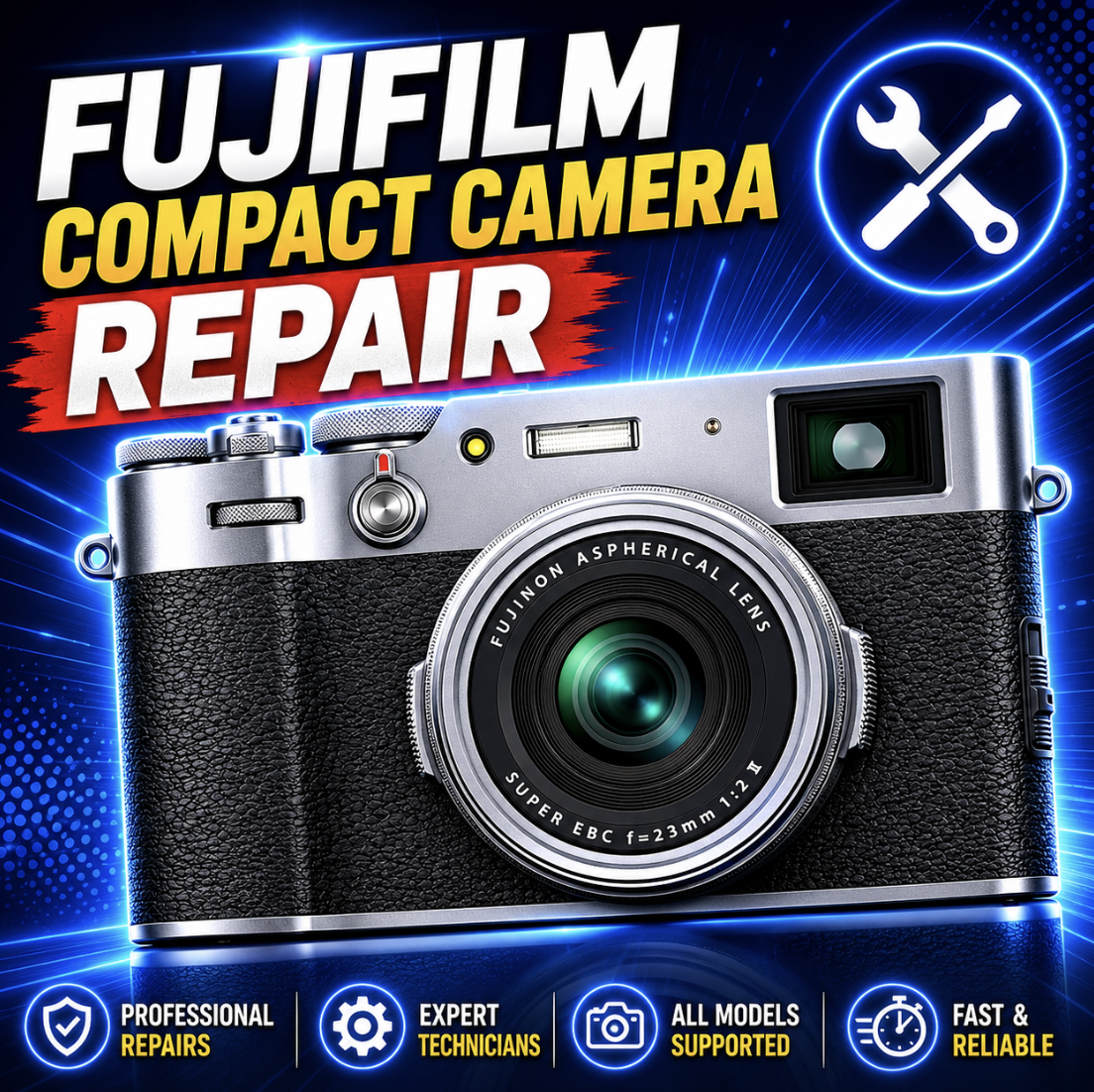
Last updated: June 8, 2026
Fujifilm Compact Camera Not Working? First Figure Out Which Fuji You Have
Fujifilm compact camera repair depends on the camera family, not just the symptom. A Fujifilm X100VI with a sticky shutter button is not the same repair decision as a FinePix XP140 with fog inside the lens. A Fujifilm X half that will not transfer photos may be an app workflow problem, not a broken camera. A GFX100RF with lens impact damage is a high-value fixed-lens repair conversation, not a normal point-and-shoot repair.
That is why this page starts with the camera identity. The repair path changes depending on whether you own an X100-series street camera, X half creative compact, FinePix XP waterproof camera, GFX100RF, or an older FinePix / X-series compact.
Mad Labs offers independent mail-in repair help for Fujifilm compact and fixed-lens cameras. We are not Fujifilm warranty service. If your camera is still under Fujifilm warranty, has proof of purchase, and the issue does not involve accident or liquid damage, check official Fujifilm service first.
The Fuji compact identity check
Start here. Pick the Fuji family that sounds closest to your camera. That will usually tell you what kind of repair problem you are dealing with.
Plain English: Do not start with “Fuji camera repair.” Start with the family. The same symptom can mean different things on an X100, X half, XP, GFX100RF, or older FinePix.
Which Fuji repair lane are you in?
Use this quick sorter before you think about parts. It helps keep an app issue from becoming a hardware repair, and it keeps a waterproof-camera leak from being treated like a normal battery problem.
X100-series repair: lens, screen, viewfinder, dials, USB-C, and IBIS
The X100 series is usually the strongest Fujifilm compact repair lane because the cameras are valuable, loved, and often carried every day. X100VI, X100V, X100F, X100T, X100S, and the original X100 all deserve more careful repair decisions than a basic old point-and-shoot.
Common X100 repair requests include a cracked LCD, sticky shutter button, loose or failed USB-C port, lens focus problem, hybrid viewfinder issue, aperture ring trouble, command dial failure, drop damage, hot shoe damage, and moisture exposure.
Repair-worth-it note: X100VI and X100V repairs are often worth diagnosing because replacement cost and resale value are high. Older X100 models still may be worth fixing if the damage is contained or the camera has sentimental value.
The X100 weather-resistance misunderstanding
This is one of the most important X100 sections. Do not assume an X100VI or X100V is ready for rain just because the body feels premium. Fujifilm’s weather-resistance language depends on using the proper adapter ring and protector filter combination.
If the camera was used in rain, mist, snow, beach spray, or dusty conditions without the right front protection setup, moisture or debris may still be a real repair concern.
| Situation | What to check | Repair concern |
|---|---|---|
| Used in rain without adapter/filter | Look for fog, sticky controls, power issues, and lens/viewfinder haze. | Moisture may have entered areas that were not protected. |
| Used at the beach | Check for sand in dials, shutter, lens ring, USB-C port, and battery/card door. | Sand and salt can cause delayed failures. |
| Fog inside viewfinder or lens | Stop using it like normal and document when it appeared. | Internal moisture needs inspection. |
| Sticky buttons after moisture | Check whether multiple controls are affected. | Liquid residue or corrosion may be involved. |
Do not charge a wet camera. If you suspect moisture inside an X100, stop charging and stop powering it on until it can be inspected.
X half repair: app workflow, Film Camera Mode, USB-C, SD card, screen, and LED
Fujifilm X half / X-HF1 repair has its own personality. Some complaints are hardware, but many are app, workflow, or setting confusion. This camera leans into a creative shooting experience, so “not showing photos” or “not transferring” may not mean the camera is broken.
Plain English: X half repair starts with workflow. If the app, Film Camera Mode, transfer flow, and SD card checks all pass but the hardware still fails, then mail-in diagnosis makes more sense.
FinePix XP repair: water, fog, seals, buttons, sand, and no power
FinePix XP cameras are rugged waterproof compacts, but waterproof does not mean impossible to damage. Doors, seals, sand, salt, age, shock, pressure, and user handling all matter.
If water gets inside an XP camera, treat it seriously. Do not keep turning it on to “see if it works.” Do not plug it in. Water and power can turn a repairable problem into corrosion or board failure.
Safety first: If water or a foreign object got inside the camera, stop using it and do not charge it. That is not a normal troubleshooting issue.
GFX100RF repair: high-value fixed-lens camera problems
The GFX100RF is not a normal compact camera. It is a compact, fixed-lens GFX camera with very high repair value. If one is dropped, has USB-C trouble, screen damage, EVF failure, storage problems, or lens impact damage, it should be treated like premium camera equipment.
Older FinePix, X70, XF10, X30, X20, and X10 repair-worth-it check
Older Fujifilm compact cameras can still be worth repairing, but the decision is usually more practical. What is the used replacement price? Are parts available? Is the issue simple? Does the camera have sentimental or collector value?
| Camera type | Repair may make sense when | Replacement may be smarter when |
|---|---|---|
| X70 / XF10 | Screen, USB, controls, SD slot, or contained physical damage. | Major lens or board failure exceeds used value. |
| X30 / X20 / X10 | Sentimental value, clean body, simple screen/control/door issue. | Lens assembly or main board parts are unavailable or too costly. |
| Older FinePix pocket cameras | Battery door, SD slot, easy cleaning, or sentimental repair. | Lens stuck, water damage, or multiple failures. |
| Older waterproof XP | Door, screen, button, or early moisture issue. | Severe saltwater corrosion or low replacement value. |
Simple rule: If repair cost approaches the price of a clean replacement, replacement is usually smarter unless the camera has personal value.
Looks broken, but may be settings or workflow
Fujifilm cameras have enough modes, apps, viewfinder behavior, and film-inspired workflows that some problems are not repair-first.
| Complaint | Check first | Why it matters |
|---|---|---|
| X100 viewfinder seems wrong | EVF/OVF mode, display settings, eye sensor, brightness, and finder switch. | The hybrid viewfinder has multiple modes. |
| X100 photos are blurry | Focus mode, shutter speed, macro range, AF settings, and lens cleanliness. | Settings can mimic focus failure. |
| X half photos not visible yet | Film Camera Mode and app development workflow. | Some behavior is intentional, not broken. |
| X half app will not transfer | Bluetooth pairing, Wi-Fi, phone permissions, app version, and camera connection mode. | Transfer depends on app and phone setup. |
| USB transfer fails | Cable type, computer permissions, USB mode, card, and port. | Charge-only cables are common. |
| SD card not detected | Try another known-good card and check formatting. | Cards fail more often than slots. |
| XP door hard to close | Check for sand, hair, debris, or gasket misalignment. | Forcing a waterproof door can make the seal worse. |
Stop using it now if you see these signs
Some camera problems get worse when you keep testing. If you see any of these, stop using the camera normally and do not keep forcing it.
When Fujifilm compact repair makes sense
Repair makes the most sense when the camera is valuable, the damage is contained, and the likely repair does not approach the price of a clean replacement.
When replacement may be smarter
Some Fujifilm compact repairs do not pencil out. That is especially true with older FinePix cameras, severe water damage, or multiple failures after a hard drop.
| Situation | Why replacement may make sense | Possible exception |
|---|---|---|
| Older FinePix with major lens failure | Lens assembly repair can exceed replacement value. | Sentimental value or hard-to-replace model. |
| Severe saltwater damage | Corrosion can affect multiple boards, buttons, contacts, and ports. | Very early inspection before corrosion spreads. |
| Multiple failures after a drop | Screen, lens, board, viewfinder, port, and controls may all be affected. | High-value X100VI, GFX100RF, or special camera. |
| Low-cost XP with board damage | Replacement cost may be lower than deep board repair. | Door, screen, button, or early moisture issue only. |
| Parts are unavailable | Some older Fuji compact parts may no longer be practical to source. | Donor camera or non-parts repair. |
Fujifilm official repair first
If your Fujifilm compact camera is still under warranty, has dated proof of purchase, and the issue looks like a covered defect, check Fujifilm official service first. Follow Fujifilm’s current repair instructions carefully, especially about what to include in the package and what not to send unless requested.
Independent mail-in repair is usually more useful for out-of-warranty cameras, secondhand purchases, physical damage, water damage, cracked screens, USB-C issues, stuck controls, lens problems, or when you want a repair-worth-it diagnosis before replacing the camera.
Important: Mad Labs is independent repair help. We are not Fujifilm-authorized warranty service and cannot promise warranty coverage, replacement parts, or that every camera is economical to repair.
What to send with your mail-in request
The best request tells us the Fuji family, the exact symptom, and what happened before the failure. “Fuji camera broken” is hard to diagnose. “X100VI used in rain without adapter/filter and now the shutter button is sticky” is much more useful.
Need mail-in help for a Fujifilm compact camera?
Start by identifying the Fuji. X100 repair is usually premium fixed-lens street-camera repair. X half repair is usually workflow, app, USB-C, SD card, and touchscreen diagnosis. FinePix XP repair is usually water, fog, doors, seals, and rugged-camera damage. GFX100RF repair is high-value fixed-lens camera diagnosis. Older Fuji compacts are repair-worth-it decisions.
Send the model, symptom, photos, and damage history. Mad Labs can help sort whether the camera looks like a repair candidate, a Fujifilm official support case, an app/workflow issue, a data concern, or a replacement decision.
FAQ
Do you repair Fujifilm compact cameras?
Mad Labs offers independent mail-in repair help for Fujifilm compact and fixed-lens cameras. Common repair candidates include X100 screen damage, USB-C issues, sticky controls, lens problems, viewfinder trouble, X half app-vs-hardware diagnosis, FinePix XP water intrusion, and older Fuji compact repair-worth-it checks.
Which Fujifilm compact cameras can be diagnosed?
Common models include X100VI, X100V, X100F, X100T, X100S, X100, X half / X-HF1, GFX100RF, XP140, XP130, XP120, XP90, X70, XF10, X30, X20, X10, and older FinePix compact cameras.
Is X100 repair different from FinePix XP repair?
Yes. X100 repair is usually about premium fixed-lens camera issues such as lens, USB-C, screen, hybrid viewfinder, controls, weather exposure, and drop damage. FinePix XP repair is usually about water, fog, seals, battery doors, sand, buttons, and rugged-camera damage.
Why won’t my X100VI or X100V charge by USB-C?
Check the charger, cable, outlet, battery, USB-C port, and whether the port feels loose or only works at an angle. A loose, damaged, or unusually hot USB-C port is more repair-like.
Is X100VI weather-resistant without the adapter ring and filter?
Fujifilm’s weather-resistance setup depends on using the proper adapter ring and protector filter combination. If the camera was used in rain or moisture without the correct setup, moisture diagnosis may be needed.
Why won’t my Fujifilm X half connect to the app?
Check Bluetooth pairing, Wi-Fi, phone permissions, app version, camera connection mode, and whether Film Camera Mode workflow is involved. X half app issues are often workflow-first, not hardware-first.
Can a FinePix XP waterproof camera get water damage?
Yes. Waterproof performance depends on depth, time, seals, doors, sand, salt, shock, age, and handling. If water or fog appears inside, stop using and charging the camera.
Is Fujifilm compact camera repair worth it or should I replace it?
Repair is usually more worth considering for X100VI, X100V, X half, GFX100RF, and contained issues like screen damage, USB-C trouble, sticky controls, or early water inspection. Replacement may be smarter for severe saltwater corrosion, major board failure, older low-value FinePix models, or repairs that approach replacement cost.



%20(7).png)