
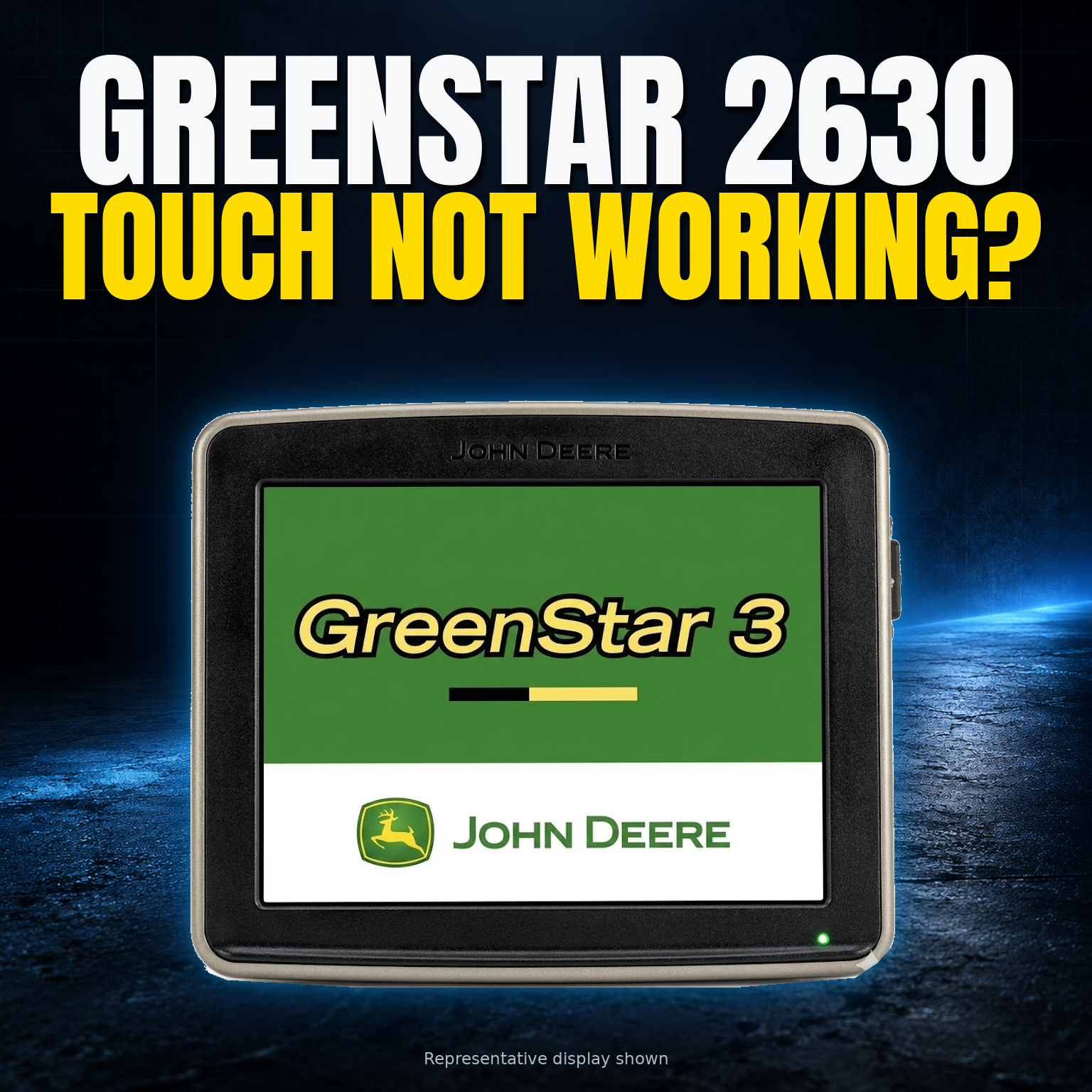
GreenStar 3 2630 · Screen-service decision guide
A bubble has appeared along the edge of your 2630 screen. Gel may be escaping from the frame, or part of the touchscreen no longer responds. Before buying another display, find out exactly what a repair would preserve, replace and leave untested.
This guide is for the original John Deere GreenStar 3 2630 standalone display. It covers screen bubbling, gel delamination, damaged touch glass and persistent touch failure. The 2630 tractor, 2600 displays, Gen 4 and G5 products need different guidance.
Repair or replace? First ask a Deere dealer about any covered remedy for your serial number. Then compare a written screen-service scope with a genuinely working 2630 that has the legitimate activations you need. A cheaper display with its own bubble is another repair decision, not a ready replacement.
Give the dealer a chance to check coverage first
Find the model and serial number in your records or on a safely accessible label. Share the serial privately with an authorized John Deere dealer and ask about warranty, applicable service campaigns and possible goodwill assistance for this display and fault. Include its revision if known, purchase history and previous screen work.
Deere provides a serial-number warranty-status route. A dealer check can also address questions that an old forum thread cannot settle. A historical report of a covered repair does not establish that your unit qualifies today; a search that finds nothing does not rule coverage out.
If the dealer proposes paid comprehensive repair, remanufacture or exchange, ask what the offer actually returns to you. Will it be your original display, or another unit? What are the eligibility, core-return and activation arrangements? Get those answers before comparing the offer with an independent screen repair. A paid reman option and a covered remedy are separate possibilities.
Describe what changed, without testing it again
“Bad screen” leaves too much room for interpretation. Delamination means layers in the screen assembly have separated. Bubbles and leaked gel can point toward that problem, but appearance alone does not tell you whether the original LCD can be retained or whether another fault is present.
- Surface and edges
- Note bubbles, a lifting-looking edge, visible gel or cracked touch glass. Use existing photos; do not press, peel or open the assembly to investigate.
- The displayed image
- Record any dark patches, lines, discoloration or missing image already observed. A readable picture and a responsive touch layer are different things.
- Touch behavior
- Describe an unresponsive area, intermittent response or unwanted inputs already noticed. Say whether the whole display appeared frozen, rather than assuming a touch-only fault.
Mention any impact, moisture exposure or previous repair, including when the symptoms began. Leave unknown details unknown. A display that will not power up, or a machine with communication faults, needs a different assessment; a screen-service listing is not evidence that those problems are included.
Ask which parts of the screen quote are actually new
The LCD makes the image; the touch layer, often called the digitizer, registers input. “Screen replacement” can describe different jobs. Ask for a plain-language description of what stays and what changes.
| Proposed route | What it means | Question to settle |
|---|---|---|
| Restore the original LCD | The original image panel is retained and treated for gel-related damage, with touch-layer work specified separately. | Does the quote include a new touch layer, and what happens if the LCD proves unsuitable for restoration? |
| Replace LCD and touch | Both the image panel and touch components are replaced as an installed service. | Which replacement parts, cleaning and display checks are included? What faults remain outside the job? |
| Comprehensive repair or reman/exchange | The scope may extend beyond the screen, or another display may be supplied. | Will your original unit return? Confirm the exact scope, core terms, serial handling and activation arrangements. |
A loose digitizer or LCD price excludes the work involved in an installed repair. Conversely, replacing both components is not automatically necessary just because a bubble is visible. Suitability depends on inspection and the agreed service scope, not the label on a shopping page.
Request written inclusions, available parts, warranty terms and any evaluation, declined-repair or no-fix charges. Ask whether inspection could change the quote and require approval before extra work. Do not add a general bench fee twice if it is already included in the accepted service.
Compare with the replacement you would actually use
A useful alternative is a verified working 2630 with the functions your operation requires, not simply the lowest asking price. An untested display, a bare unit and one already showing bubbles belong in separate comparisons.
Ask for evidence tied to the actual unit being sold: identity, screen condition, repair history, known faults and what its function check covered. Agree on return rights if the delivered condition differs. “No bubbles” describes one aspect of the screen; it does not establish that every function works.
Write down the activations, not just “fully loaded”
List the functions you need, such as AutoTrac or Section Control where applicable, and have a Deere dealer verify the replacement's serial-specific entitlement and compatibility with your installation. Display activations, receiver capabilities and other system components should be itemized separately.
Ask which legitimate activations are included permanently and whether any proposed transfer is permitted in your situation. Do not assume your existing activations will move automatically, that transfer is always impossible, or that every license must be bought again. A seller's screenshot is a starting point for verification, not a substitute for it.
Keep the comparison fair. An offer with additional functions you do not need should not inflate the value of your repair. Equally, a lower-priced display missing a required activation is not yet an equivalent replacement. Resolve the difference before treating either offer as a saving.
Put both options on the same sheet of paper
Use current written offers rather than a repair-versus-new-display shortcut. Include each necessary cost once, and mark unresolved items instead of treating them as zero.
Keeping your display
Start with the accepted installed repair. Add any applicable assessment charges, freight and shipping coverage, tax, removal and refitting, required verification and approved configuration work. Check what the quote already includes.
Buying another 2630
Start with a working unit and the verified activations you need. Add missing accessories only where necessary, freight, tax, appropriate installation and verification. Subtract old-unit value only if it is realistically recoverable.
Check whether your existing receiver, mount and cables remain suitable rather than assuming a replacement package includes them. If an exchange requires your old display as a core, you cannot also count its separate resale value.
Repair deserves consideration when the accepted work addresses the fault, the rest of the display is suitable, and the complete cost and timing fit your needs. Replacement becomes more attractive when inspection finds broader problems, a suitable repair is unavailable, or a verified equivalent offers better overall value. Neither outcome follows from the bubble alone.
Keep timing beside the costs. Ask when assessment can start, what happens if parts are unavailable and when a return date can be confirmed. A headline turnaround is not a promise for your unit or a substitute for planning around unavailable equipment.
Decide what may change before the display leaves
Gather existing configuration records, activation documentation and any available data backups. If touch failure prevents normal access, ask the dealer or assessor what supported preservation options are possible. Do not reset or update the display just to make it easier to send away.
Screen-only work and return of the original housing do not guarantee that settings, field data or activations will survive. State what matters to you and ask the provider to explain both the preservation plan and its limits.
If preservation cannot be confirmed, decide whether to proceed before work begins. “Contact me first” is more useful when it names the changes that require a call.
Agree on the handoff in both directions
Confirm acceptance of the exact model, revision and reported fault before arranging removal. Follow the applicable machine and display manufacturer's instructions for safe isolation, removal and reinstallation, or arrange a qualified installer when the procedure or your ability to carry it out is uncertain.
Obtain instructions for the accepted standalone display, including which accessories to include or leave behind, packing requirements, destination and tracking. Generic shipping advice may not match your order. Do not mail equipment simply because a repair page exists.
Agree on inbound and return responsibility, declared or insured value and the claim process for loss or damage. Ask explicitly whether any software-entitlement value is covered; do not assume hardware shipping coverage includes it. Keep the accepted instructions and existing condition photographs.
What should come back with the display?
Request a service report identifying the work performed, parts restored or replaced, additional faults found, and the image and touch checks completed. Ask about test limits, warranty exclusions and responsibility for warranty freight.
A successful display bench check does not establish that navigation, steering, implement control or the complete installation is ready for use. Reinstallation and any required return-to-service verification must follow the applicable manufacturer guidance or be handled by a qualified installer. Agree who will do that before the parcel returns.
Send a request someone can assess
A useful first message needs the model and revision if known, existing symptom photos, what you observed, and any impact or repair history. Share the serial privately. Add your location, timing needs, required activations and any data you need preserved. Say if returning the original display is important.
Do not include passwords, activation codes or field-map files in the initial inquiry.
If the image, revision or activation state is unknown, say so. There is no need to power damaged equipment or recreate unreliable inputs to complete an inquiry.
Want to ask Mad Labs Repair about your 2630? Use the contact form to ask whether an assessment is available for your display and symptoms.
Ask about assessment availability
An inquiry is not repair acceptance or permission to ship. Wait for confirmed scope, destination and packing instructions before sending anything.


%20(7).png)