Your Helmet Comms Survived the Highway… But Now They Won’t Power Up(Here’s What’s Really Going On – and How Mad Lab Repair Can Save It)
You bought a premium motorcycle communicator so you could talk to your riding buddies, listen to music, and get GPS directions without pulling over. It lived on your helmet all last season, you treated it well, and now that the weather is nice…
- It won’t turn on at all.
- The charging light flashes red (or doesn't light up at all).
- You plug it in, but the charging cable feels loose or wiggly.
- It dies after 20 minutes of riding.
On paper, this is a top-tier piece of riding gear. In practice, it currently feels like a $300 piece of dead plastic glued to the side of your helmet.
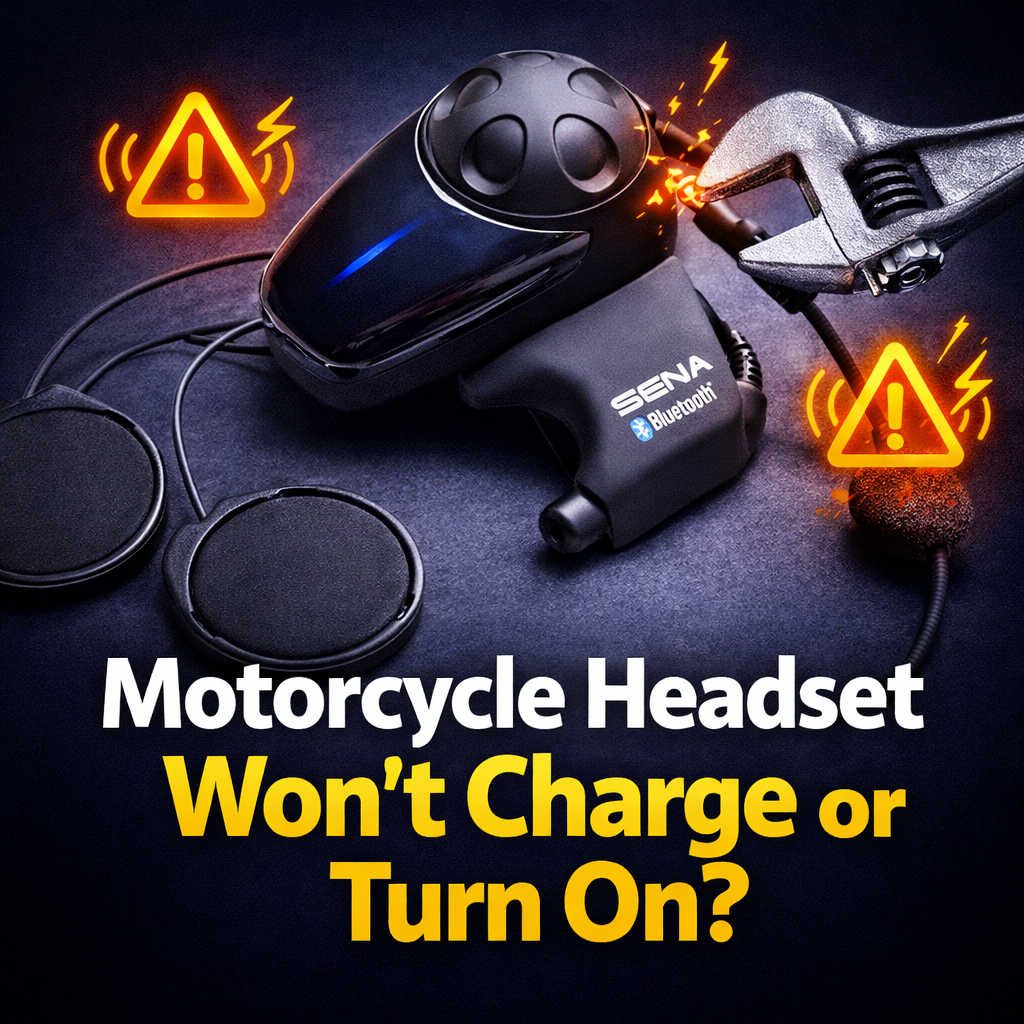
This blog is for that exact symptom: Motorcycle communicators that refuse to charge, won't hold a battery, or simply won't turn on. (Mad Lab Repair is not affiliated with Sena, Cardo, or any helmet manufacturer. We just see a huge pile of these broken devices that standard local repair shops refuse to touch.)
Quick Fix? Probably Not. Quick CTA? Yes.
If your Sena or Cardo is completely unresponsive or the charging cable is loose, there’s a massive chance the problem is a dead internal battery or a snapped charging port on the motherboard—not just a "software glitch."
👉 Skip the headache: Mad Lab Repair can usually revive these by replacing the internal battery or micro-soldering a brand-new charging port, saving you from buying a whole new system.
- Mail‑in, device-sized box
- Free diagnostic
- You either get it fixed, or it comes back unchanged — not shredded for “recycling”
Use our Free Repair Quote form and tell us the brand, model, and exact behavior.
FIRST THINGS FIRST: When to Stop Immediately
Lithium‑ion batteries strapped to the side of your head need to be taken seriously.
Unplug your communicator and stop using it right now if:
- The main unit gets unusually hot while plugged into the wall.
- You smell an electrical “hot” or burning plastic smell.
- The casing looks swollen, warped, or is starting to split at the seams.
Those are not “annoying bugs.” They are signs of a failing lithium battery. Let a repair lab handle it before it becomes a hazard.
What This Problem Looks Like in Real Life
Here is the cluster of symptoms we see from riders over and over:
- “The port is loose and only charges if I hold the cable at an angle.”The USB or Type-C charging port has physically broken away from the internal motherboard.
- “It says fully charged, but dies as soon as I get on the highway.”The battery's internal resistance is shot. It thinks it's full, but the second the speakers draw power, the voltage drops and the device shuts off to protect itself.
- “Left it in the garage all winter, now it won't wake up.”Lithium batteries hate being left completely dead in freezing (or scorching) garages. The cells degrade and refuse to take a charge again.
- “It got soaked in a storm and now it acts crazy.”Water found its way past the weather seals, causing corrosion on the motherboard.
There are tons of forum posts with riders saying “guess I have to buy a whole new dual-pack.”Mad Lab Repair says: no, you probably don’t.
What People Think It Is vs. What’s Actually Failing
The usual guessesMost owners assume:
- "It just needs a firmware update." (You can't update firmware if it won't turn on).
- "It's a bad wall outlet." (Sometimes, but if you've tried three cables, it's the device).
What’s really going on insideUnder the hood, these communicators are basically tiny, heavily sealed smartphones. They suffer from two major physical failures:
- Mechanical Port Failure: You plug and unplug this device hundreds of times. Combine that with highway vibrations, and the tiny solder joints holding the charging port to the board eventually snap.
- Battery Degradation: Letting lithium cells sit totally flat in a cold garage for six months kicks off a nasty chemical reaction. The battery loses its capacity to hold power.
Why This Happens So Much With Premium Helmet Comms
This isn't just an issue with cheap Amazon knock-offs. High‑end Sena and Cardo models get hit hard, too.
- The Environment: They live outside. They bake in the summer sun, freeze in the winter, and get pelted by rain at 70 miles per hour.
- The Vibration: Motorcycles vibrate. Constantly. That micro-vibration takes a toll on tiny internal solder joints over time.
- Weak Repair Paths: The manufacturers seal these units tightly to make them weather-resistant. Because of this, they usually don't sell replacement parts to consumers, treating the whole unit as disposable once the warranty is up.
That’s where Mad Lab Repair comes in.
Can You Fix This at Home?
You can safely try a few basic things before mailing it in:
Check the simple stuff:
- Try a different wall outlet and a brand-new, high-quality data cable.
- Clean the charging port out gently with a wooden toothpick or compressed air to remove pocket lint or road grime.
Try the safe “reset” steps:
- Check your specific model's manual for the "Hard Reset" button (usually a tiny pinhole on the back). Press it with a paperclip while the device is plugged in.
If, after that, it still won't turn on, won't hold a charge, or the port is visibly loose... the problem is inside the casing.
At that point, we do NOT recommend:
- Prying the plastic casing apart with a flathead screwdriver. You will permanently destroy the weatherproofing seals, and the next time it rains, the motherboard will fry entirely.
- Attempting a DIY micro-soldering job on the port.
What Mad Lab Repair Actually Does With These
When you send a dead motorcycle headset to Mad Lab Repair, we treat it like the high-value electronics it is.
- Safe Entry & Diagnostic: We carefully open the sealed unit without destroying the housing. We test the battery voltage and inspect the motherboard under a microscope.
- Micro-Soldering & Battery Repair: If the port is ripped off the board, our micro-soldering experts install a reinforced replacement. If the battery is dead, we swap it out for a fresh, high-quality cell.
- Resealing: We reassemble the unit, ensuring the weather seals are intact so it's ready for the road again.
The goal: you get your exact comms system back, linking up with your riding buddies just like it used to, for a fraction of the cost of a new unit.
Why You Shouldn’t Just Ignore It
Letting this problem ride has downsides:
- The Port Will Short Out: If the charging port is loose, continuing to wiggle the cable can cause the pins to short out, which can permanently kill the main processor.
- You’re Throwing Away Good Gear: The speakers, microphone, Bluetooth chips, and casing are perfectly fine. Trashing a $300 unit because of a $10 worn-out battery or a loose port is a massive waste of your money.
What You Should Do Right Now
Step 1 – Quick self-testsTry another cable, clean out the port, and try a pinhole hard reset.
Step 2 – Let Mad Lab Repair take it from here. Use our Free Repair Quote form and tell us your exact model (e.g., Sena 50S, Cardo Packtalk Bold) and what it's doing.
- We reply with shipping instructions and a ballpark expectation.
- We diagnose, then you decide if you want to go ahead with the repair.
You already paid for a serious piece of riding tech. You shouldn't have to buy a whole new setup just because a tiny charging port gave up the ghost.
Bottom line: If your motorcycle communicator won't turn on or charge, it is almost always fixable. Mad Lab Repair exists to catch these “throw it away” devices, open them up safely, and give them a second life—so you can get back on the road and actually hear your GPS again.
Get A Repair Quote!
Broken device? Tell us what’s going on and we’ll diagnose it, estimate the repair, and walk you through the next steps.

%20(7).png)


