
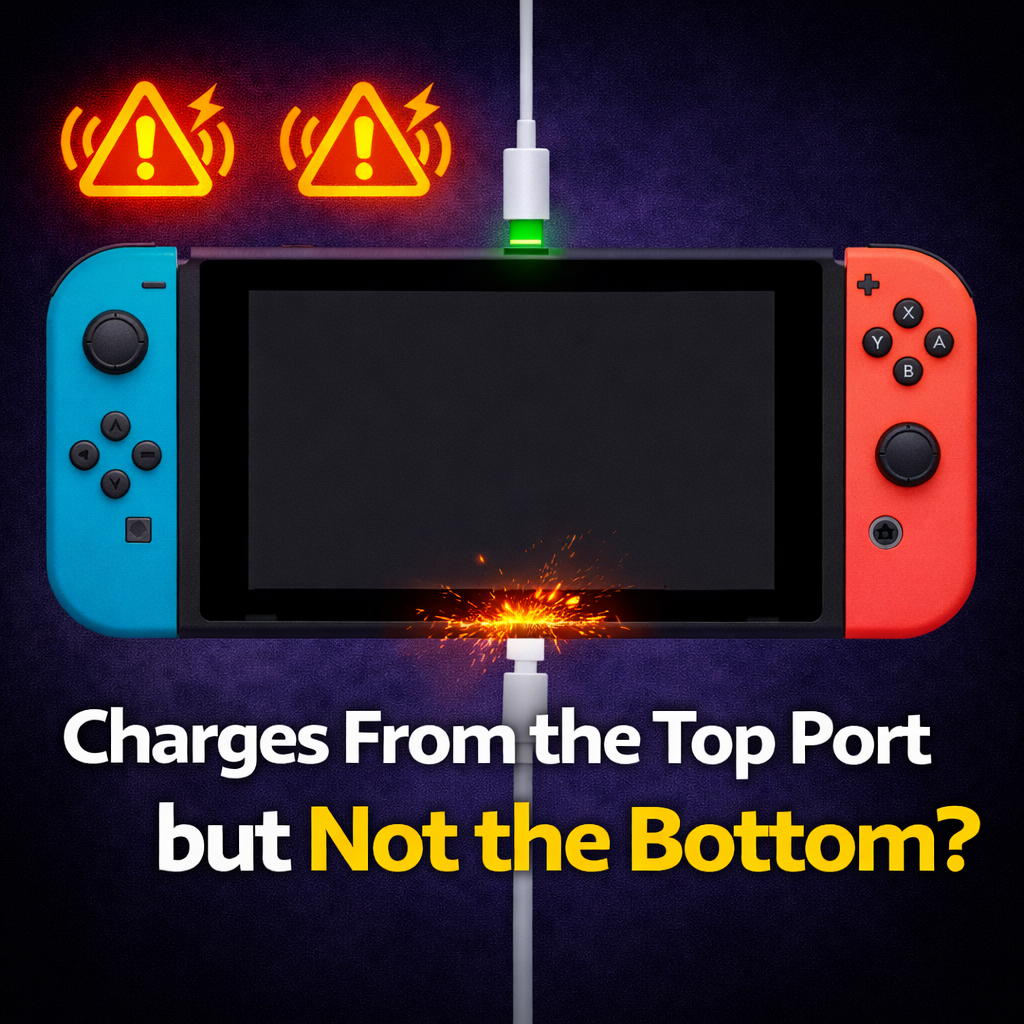
It usually means the problem is more specific than that.
Nintendo says the Switch 2 can charge from either the top or bottom USB-C port. So if the top port works and the bottom one does not, that points more toward a bottom port problem, dock-path problem, or charging setup problem than a dead battery. Nintendo’s own support flow also says that if one USB-C port works and the other doesn’t, the console needs repair/service.
If your Switch 2 charges from the top port but not the bottom, the most likely causes are:
And because the bottom port is the one tied into docking, this issue often shows up as some version of:
Before we get into the tests, here’s the line in the sand.
Stop messing with it and get it looked at if:
That’s the point where “just keep trying different chargers” starts making things worse.
These are the checks worth doing at home.
Use a charger you trust and test:
Nintendo’s own troubleshooting tells users to test the AC adapter in the other USB-C port on the console. If the other port works, Nintendo treats that as a repair/service issue.
This part matters more than people think.
Nintendo says the original Nintendo Switch AC adapter can charge a Switch 2 directly, but it does not provide enough power to use the Switch 2 dock properly for charging or TV mode. So if the console charges directly but acts weird in the dock, the problem could still be the dock setup rather than the console itself.
Nintendo’s dock troubleshooting says to unplug the AC adapter from the dock and plug it directly into the console to confirm whether the console charges. That is a simple way to separate console problem from dock problem.
Use a flashlight and look for:
Do not go digging around inside with metal tools. If it looks damaged, stop there.
Some third-party Switch 2 docks have had compatibility problems and needed firmware workarounds for proper video output, so it is smart to test with the official dock before deciding the console itself is bad.
Here’s the plain-English version.
If the top port works and the bottom port doesn’t, your battery is probably not the main problem.
What usually moves to the top of the suspect list is:
That also explains why these symptoms tend to show up together:
iFixit already lists the Switch 2 bottom USB-C port as a separate replacement part and says it is soldered to the motherboard, which tells you this is a real hardware repair category, not just a software reset problem.
Yes. Sometimes it really is.
That is why the DIY checks above matter.
A bad or underpowered dock setup can absolutely make this look like a dead bottom port. Nintendo is very clear that the older Switch AC adapter can charge the console directly, but is not sufficient for the Switch 2 dock in TV mode. And Nintendo’s dock troubleshooting specifically tells users to test the AC adapter directly on the console first.
So the clean order is:
Sometimes there is a DIY test. Usually there is not a true DIY repair.
Safe DIY territory:
Not-safe-for-most-people territory:
If the bottom port is truly damaged, this is usually a microsoldering repair, because that port is soldered to the motherboard.
Yes — in a lot of cases, it is.
Nintendo routes one-working-port / one-dead-port cases into repair/service. On the independent side, there are already microsoldering shops publicly offering Nintendo Switch 2 USB-C charging port repair, and at least one of them explicitly describes it as a difficult board-level job.
That’s the important part.
This is not one of those fake “repair niches” where nobody actually fixes the thing. This is a real issue with a real repair path.
If one of these came across the bench, the real questions would be:
That’s why this problem is worth diagnosing properly instead of guessing.
Start with the simple split:
That usually points to a bottom-port issue, dock issue, or board-level charging/docking fault, not a fully dead system. Nintendo’s own support treats one-working-port / one-dead-port as a repair case, and the repair world already treats the bottom USB-C port as a real soldered hardware job.
So if your Switch 2 is doing the “top port charges, bottom port doesn’t, won’t dock, no TV output” routine, the smartest move is:
That usually tells the story pretty fast.
Yes. Nintendo says the Switch 2 can be charged through either the top or bottom USB-C port.
Usually yes. Nintendo’s support says if the other USB-C port works, the console needs to come in for repair/service.
For direct charging, yes. For the Switch 2 dock and TV mode, no — Nintendo says the older Switch AC adapter does not provide enough power for that use.
Yes, but it is not a casual repair. iFixit lists it as a separate replacement part and says it is soldered to the motherboard.
%20(7).png)
Fix what’s worth keeping.
Copyright © 2025 Mad Labs Repair. All Rights Reserved


