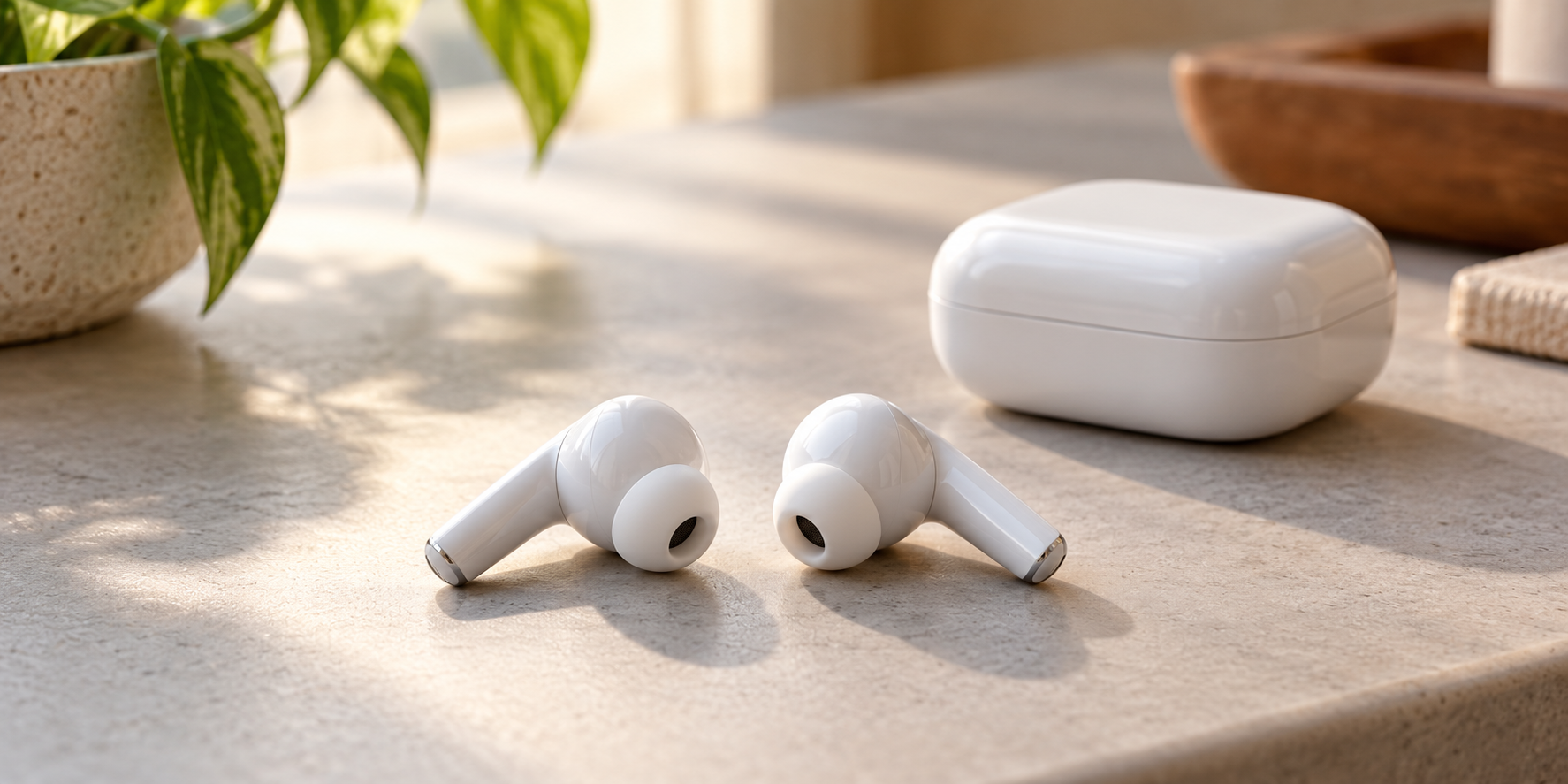
If both true-wireless earbuds play but one is much quieter, do not buy a single replacement yet. First check settings, fit and the correct cleaning instructions. If replacement is needed, the remaining bud and charging case—not just the product name—determine what you can buy.
This guide covers uneven volume, not a bud that is missing from the app, will not charge or makes no sound. The examples below use AirPods and Galaxy Buds; other brands need their own instructions.
Do not compensate with more volume
Keep listening at a comfortable level rather than turning up the louder side too. Stop for painful or unusual loud noise. Stop using and charging a bud with unusual heat, swelling, a lifting case seam or other damage, and seek service guidance. Do not open it.
Before cleaning, check what “quiet” means
Check each bud’s connection and charge status where your app provides it. Apple separates no sound from unequal volume: its quiet-side checks include debris and the phone’s audio balance. On iPhone, look under Settings → Accessibility → Audio & Visual → Balance. Preserve any intentional hearing or accessibility adjustment rather than automatically centering it.
A familiar track in another app at a comfortable volume can help reveal a recording or app-specific difference. If the imbalance persists, that is useful information—not proof of a failed speaker. Follow your model’s fitting guidance; do not assume every design uses removable silicone tips or should form the same seal.
The wrong cleaning method can create a second problem
Inspect the sound opening without poking the mesh or lifting it out. Choose the instructions by exact model before applying any liquid.
AirPods Pro 2 or Pro 3
Apple’s mesh-cleaning guide specifies particular materials, illustrated cleaning areas and a complete sequence. It requires complete drying for at least two hours before use or return to the case. Its additional immersion procedure is specifically for Pro 3—not permission to soak Pro 2 or another earbud.
Samsung Galaxy Buds
Samsung’s care page separates models and directs dry cleaning, without liquids such as alcohol or soapy water. Buds Live use wingtips, unlike the removable ear tips on several other models. Select your model’s section; do not force off an unfamiliar part.
These are different procedures, not competing universal tips. Use the complete linked instructions rather than improvising from this summary. Avoid suction, needles, compressed air and loud “speaker clearing” tones. If careful manufacturer-approved cleaning does not help, stop repeating it and seek assessment.
Buying one replacement: match all three pieces
For AirPods, start with Apple service and identify the existing buds and case using Apple’s model-number guide. A specific example: the AirPods 4 case and AirPods 4 (ANC) case are not interchangeable with the other version’s earbuds. “Fits AirPods 4” is therefore not enough information for a purchase.
Check the needed side, exact version, remaining bud and case compatibility, condition and return terms. For used AirPods, account association matters too: Apple’s mismatch guidance covers different generations and association with another Apple Account. Have the seller resolve any previous account association; do not assume a reset removes it.
Replacement setup is also model-specific. Apple’s setup guide has different sections for case-button models and newer front-tap models. Follow the section for your replacement, not a generic “hold the button” instruction.
Samsung’s Singapore replacement guidance requires the same model and opposite sides, with a coupling step. That is not confirmation that a single replacement is sold in your country. Ask local Samsung support about your model before ordering one from elsewhere.
One bud or a complete pair?
A matching single bud makes more sense when the other bud and case still meet your needs. If their batteries or charging are also troublesome, compare the complete single-bud cost with a suitable replacement set. Include setup support, shipping, warranty and the right to return an incompatible or unresolved purchase—not just the advertised price.
There is no verified universal replacement or cleaning product to recommend here. Use the manufacturer route first, then assess any seller’s exact offer against your model. The linked resources are not claimed Mad Labs partners.
Sources checked November 2, 2026. This is a source-based guide, not hands-on testing or a diagnosis of your earbuds.