
Last updated: May 24, 2026
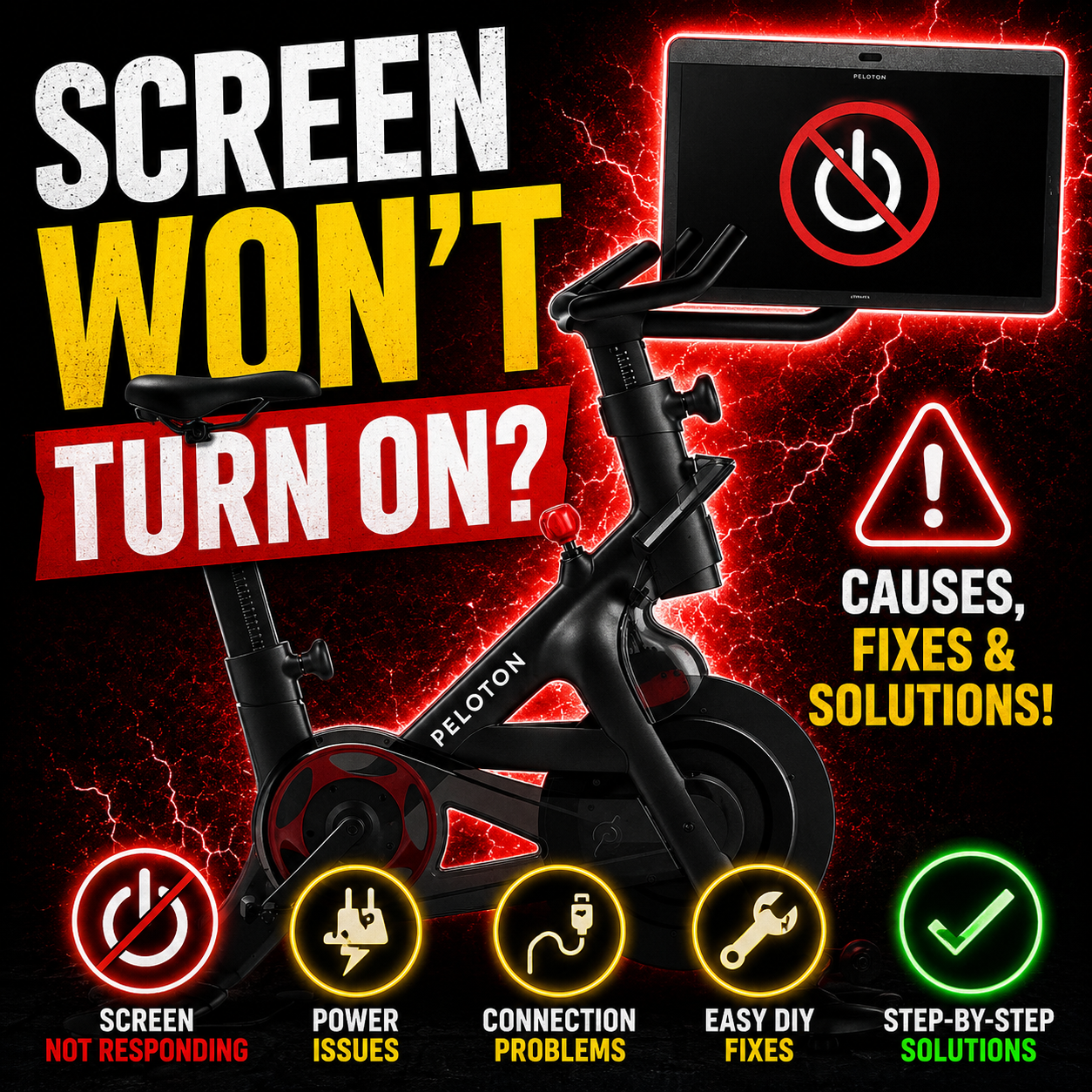
Peloton Screen Won’t Turn On? Black Screen, Touchscreen & Console Repair Guide
You walk up ready for a ride, tap the screen, and nothing happens. No logo. No class. No response. Or maybe the Peloton screen turns on but the touchscreen does not work. Either way, it is frustrating because the bike itself may be fine, but the console is what makes the whole thing usable.
The hard part is that Peloton screen problems can come from a few different places: a bad power adapter, a loose cable, a broken USB-C cable inside the Bike+, a software problem, a failed touchscreen digitizer, a display/backlight issue, or a board-level fault inside the screen assembly.
This guide is written to help you sort the problem without guessing. It covers the Peloton Bike, Peloton Bike+, Peloton Tread, and Peloton Tread+, with safe checks you can do first, parts that may be worth replacing yourself, and when the console is a better candidate for mail-in repair or replacement.
The quick answer
If your Peloton screen is black, start with power and cables before assuming the screen is dead. On a Bike+, the USB-C power path matters a lot because the screen depends on the adapter, cable, and internal routing through the bike.
If the display lights up but touch does not work, that is a different problem. It may be a software freeze, failed touch layer, loose internal connector, or console-board issue. A screen that is lit but not responding is not the same as a screen with no power.
Safety first: Unplug the Peloton before removing covers, reseating cables, or opening a screen assembly. Do not poke around inside a powered screen. Display power circuits, damaged cables, and board components can be unsafe if handled casually.
Start with these 3 questions
Before you buy a replacement screen, answer these three questions. They help narrow the problem fast and keep you from replacing a good console because of a bad cable.
Is the screen completely dead?
No logo, no backlight, no charging light, no sound, no response. This points first to power, cable, adapter, or screen-board power failure.
Does the screen light up?
If you see the Peloton logo, a glow, or the normal interface, the display has at least some power. Now you are looking at touch, software, or internal board issues.
Did it happen after moving or updating?
A screen that dies after moving the bike often points to cable or connector damage. A screen that fails after an update may need software recovery or official support first.
Peloton screen symptom map
| Symptom | Most Likely Causes | Try This First | When It Needs Repair |
|---|---|---|---|
| Peloton screen won’t turn on | Outlet, adapter, rear cable, Bike+ USB-C cable, dead screen board | Test outlet, reseat cable, try direct power to screen if safe and model supports it | If a known-good power path still gives no logo or backlight |
| Peloton screen black but bike has power | Loose monitor cable, failed display board, internal power issue, backlight/display failure | Check rear screen connection and look for faint image with a flashlight | If the screen stays black after power and cable checks |
| Touchscreen not working | Software freeze, failed digitizer, bad ribbon cable, touch controller fault | Hard reboot, factory reset only if you are okay with reset risk, test USB mouse if possible | If the display works but touch never returns |
| Screen stuck on Peloton logo | Software corruption, failed update, internal storage/board issue | Power cycle and attempt recovery/reset steps | If it loops or freezes every time after reset attempts |
| Screen flickers, dims, or shows lines | Display panel, internal display cable, backlight/power circuit, board fault | Check whether the image changes when the screen is moved gently | If flicker stays, lines remain, or the image disappears |
| Bike+ powers screen only with external USB-C | Internal USB-C cable/path problem | Use external cable only as a test, not a permanent loose setup | If internal cable routing or connector needs replacement |
Peloton screen is black
A completely black Peloton screen is the highest-intent repair symptom. People search it because they cannot use the bike at all. The important thing is to figure out whether the screen is not receiving power, or whether the screen is receiving power but the display side has failed.
Check the basic power path first
- Test the wall outlet with something else.
- Unplug the Peloton for a full minute, then plug it back in.
- Check the power adapter for damage, heat, or looseness.
- Reseat the power cable at the bike and at the screen.
- Look for any power light, logo flash, click, or brief backlight glow.
On a Peloton Bike+, pay special attention to the USB-C power path. Community repair reports commonly point to a broken or disconnected USB-C cable running through the handlebar/frame area. That does not mean every Bike+ black screen is a USB-C cable, but it is one of the first things worth ruling out before replacing the whole touchscreen.
Good diagnostic clue: If the screen works when powered directly with a known-good compatible USB-C power source, but not when connected through the bike, the screen may be okay and the internal cable path may be the problem.
Screen turns on but touch does not work
A Peloton screen that lights up but ignores your fingers is a different category from a dead screen. The display may still be working, but the touch layer, touch controller, software, or internal connector may not be.
If the screen shows the interface but touch is dead, try a hard reboot first. Hold the power button until the screen turns off, wait, then power it back on. If it still ignores touch, some users test control with a USB mouse or keyboard on compatible models. That is not a real fix, but it can prove the screen and software are partly alive.
What this symptom can mean
- The Peloton software is frozen.
- The touch digitizer is failing.
- An internal ribbon cable is loose or damaged.
- The touch controller on the console board is not responding.
- A software update or failed reset left the screen stuck in a bad state.
If a factory reset briefly fixes touch and then the problem returns, that points away from a simple “dirty screen” problem. It may be software, firmware, or hardware that only fails after booting fully.
Flickering, lines, dim screen, or stuck logo
Flickering and display lines usually point to the screen assembly itself, not the bike frame. The issue can be the LCD panel, backlight circuit, display cable, board connector, or internal power regulation. If the Peloton logo appears and then freezes, that leans more toward software, storage, or console-board trouble.
Simple checks
- Try a full power cycle before opening anything.
- Check whether the screen changes when gently repositioned.
- Look for a faint image with a flashlight if the display is dark but not fully off.
- Do not keep rebooting endlessly if the screen gets hot or smells electrical.
A faint image with no normal brightness can mean the display is producing an image but the lighting side is failing. A screen with colored lines or repeated flicker may have panel or internal connection damage. Either way, it is different from a simple power adapter problem.
Bike vs Bike+ vs Tread screen differences
The troubleshooting idea is similar across Peloton products, but the power and cable layout is not identical. That matters when you are deciding what to test or buy.
Peloton Bike
The original Bike uses a touchscreen mounted at the front with its own power and data connections. If the screen is dead, check the rear screen cable, power adapter, outlet, and screen assembly before assuming the whole bike has failed.
Peloton Bike+
Bike+ screen problems often require checking the USB-C power path. If the screen works with direct power but not through the bike, the internal cable or connector path may be the real issue.
Peloton Tread
Tread screen issues can look like Bike screen issues, but you should also be careful around treadmill safety systems. Do not bypass safety devices just to test the console.
Peloton Tread+
The larger Tread+ display is expensive enough that careful diagnosis matters. A screen issue may be display, cable, power, software, or board related, not automatically a full treadmill failure.
Safe DIY checks before you buy a screen
These steps do not require soldering and are meant to keep you from replacing the wrong part.
- Power cycle the screen. Hold the power button, shut it down fully, unplug the bike, wait, then reconnect.
- Test the outlet. Use a lamp, charger, or another device to confirm the outlet is not the issue.
- Inspect the power adapter. Look for heat damage, bent connectors, or intermittent power when moved.
- Reseat external cables. Unplug and reconnect the screen cable carefully.
- Check Bike+ USB-C behavior. If possible, test whether the screen powers directly from a compatible USB-C source.
- Try USB mouse control when touch fails. On compatible setups, this can help you navigate menus or confirm the display is alive.
- Stop if you smell burning. A hot electrical smell means the issue may be internal board damage.
Do not force it: If a USB-C port feels loose, do not keep wiggling the cable. Damaged ports can tear pads off the board, turning a possible port repair into a much harder board repair.
DIY parts and Amazon links
Some Peloton screen problems can be solved with a cable, adapter, mouse workaround, or full replacement screen. Others require board-level work. The links below are intentionally limited and use search results because compatibility depends on your exact model and screen generation.
Useful DIY searches
Match your exact Peloton model before buying anything. Bike and Bike+ parts are not always interchangeable.
Buying note: Do not order a screen just because the listing says “Peloton.” Match the Bike, Bike+, Tread, or Tread+ model, screen size, connector type, and part details before buying. When in doubt, check the model label and compare photos of the connectors.
Repair, replace, or upgrade?
Peloton screen replacement can be expensive, and outside warranty the owner may be responsible for the repair. A Guardian consumer case reported a Bike+ user being quoted £710 for a touchscreen replacement after the one-year touchscreen warranty had expired, though Peloton later agreed to swap that screen after the case was reviewed.
That is why diagnosis matters. If the problem is a loose cable or bad USB-C path, replacing the entire console may be overkill. If the touch layer, display board, or internal screen board has failed, a replacement screen or professional repair may make more sense.
Repair or screen replacement makes sense when:
- The bike or tread still works mechanically.
- The only major failure is the screen, cable, port, or console board.
- The replacement screen is expensive enough that board-level diagnosis is worth it.
- You have a Bike+, Tread, or newer Bike where the rest of the machine is still valuable.
Replacement or upgrade makes sense when:
- The machine is older, heavily worn, or has multiple issues.
- The screen, frame electronics, bearings, pedals, resistance system, and cosmetics are all in rough shape.
- You were already considering a newer model and do not want to spend money on an older console.
Upgrade option if the screen repair is not worth it
If your Peloton is older and the screen repair cost is close to the value of the bike, upgrading may be the cleaner path. Before buying, compare the total cost: replacement screen, service fees, membership, delivery, and what your current bike is worth.
If you want to stay in the Peloton ecosystem, compare current listings for a Peloton Bike+ upgrade. If you are not tied to Peloton, compare warranty, serviceability, screen replacement cost, and whether the bike can still be used without a locked-down console.
What not to do
- Do not buy a replacement screen before checking the power adapter and cables.
- Do not assume Bike and Bike+ screen parts are interchangeable.
- Do not keep wiggling a loose USB-C port until the pads rip off the board.
- Do not open the screen while it is plugged in.
- Do not ignore sweat, corrosion, or liquid exposure around connectors.
- Do not rely on a random cheap USB-C charger unless it meets the power needs of the device.
- Do not factory reset if you are not comfortable losing local settings or going through setup again.
FAQ
Why won’t my Peloton screen turn on?
The most common causes are a bad outlet, faulty power adapter, loose screen cable, damaged Bike+ USB-C cable path, or a failed screen assembly. Start with outlet, adapter, and cable checks before buying a replacement touchscreen.
Why is my Peloton screen black but the bike has power?
If the bike has power but the screen is black, the issue may be the screen cable, internal display power circuit, display board, backlight/display failure, or console board. Look for a faint image, any logo flash, or power light before deciding what failed.
Why does my Peloton touchscreen not respond?
A lit screen with no touch response can be caused by a software freeze, failed update, bad digitizer, loose ribbon cable, touch-controller fault, or internal board issue. Try a hard reboot first. On compatible setups, a USB mouse can sometimes help confirm whether the screen is still usable.
Can a Peloton Bike+ USB-C cable cause a dead screen?
Yes. The Bike+ uses a USB-C power path, and a damaged or disconnected internal cable can make the screen appear dead even if the screen itself still works. If the screen powers directly but not through the bike, the internal cable path should be checked.
Can a Peloton screen be repaired instead of replaced?
Sometimes. Cable, port, connector, power, and board-level issues may be repairable depending on the exact failure. If the LCD, digitizer, or proprietary board is badly damaged, replacing the screen assembly may be more practical.
How much does Peloton screen replacement cost?
Cost depends on model, warranty status, region, parts availability, and whether Peloton or a third-party handles the repair. Out-of-warranty screen replacement can be expensive, so it is worth checking power and cable issues before replacing the whole touchscreen.
Is it safe to open a Peloton touchscreen?
Only if you know what you are doing. Unplug the device first, avoid live testing, and be careful around display power circuits, batteries, fragile ribbon cables, and glued or clipped plastic parts. A loose cable check is one thing; board repair is a different skill level.
Should I repair my Peloton screen or upgrade the bike?
Repair makes sense if the bike is in good shape and the screen or cable is the only major problem. Upgrading may make more sense if the bike is older, heavily worn, has multiple failures, or the screen repair cost is close to the value of the whole machine.

%20(7).png)