
Last updated: May 30, 2026
Power Station Turns On But Has No AC Output? Inverter, Charger Board, or Repair?
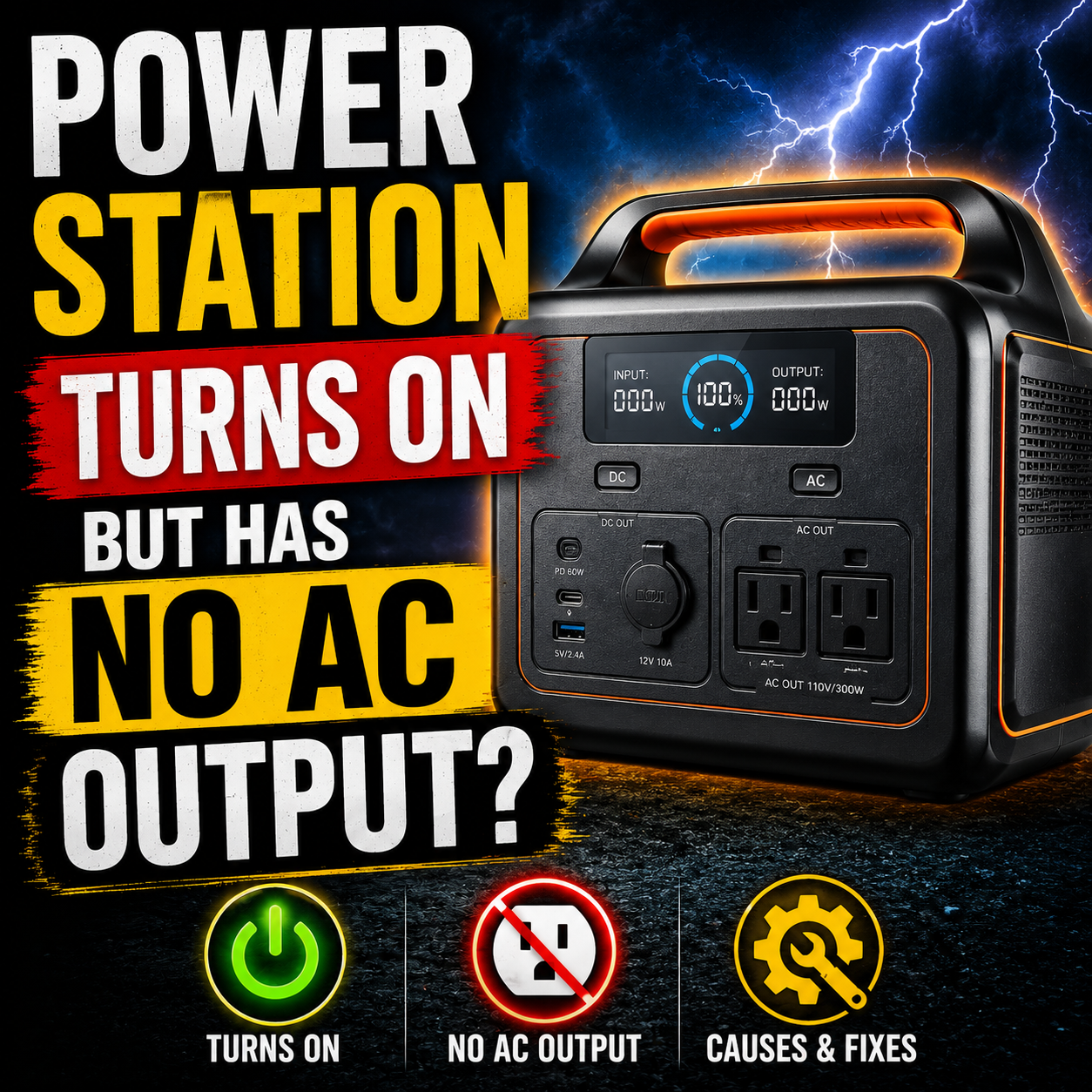
If your portable power station turns on but the AC outlets do nothing, do not assume the whole unit is dead. That is actually one of the most important clues.
When the screen works, the battery shows charge, USB works, or DC output still works — but the AC outlets stay at 0W, shut off immediately, click, or refuse to power anything — the problem may be limited to the AC-output side of the unit.
This guide walks through the safe checks to do first, when the inverter or power board becomes suspicious, what to document before repair, and when a portable power station becomes a good mail-in repair candidate.
Quick answer: AC failure does not always mean the battery is bad
A portable power station can turn on and still have no AC output because AC is disabled, ECO mode shut it off, the load is incompatible, the battery is too low, voltage/frequency settings are wrong, a protection mode tripped, firmware is misbehaving, or the inverter/relay/power board has failed.
The key detail is whether DC and USB still work. If they do, the battery and display may be alive while the AC-output path is the part failing.
Safety first: Portable power stations contain lithium battery packs, inverter electronics, capacitors, and AC-output circuits. Do not open the unit, bypass protection, probe internal boards, or attempt inverter repair unless you are qualified.
Symptoms this page covers
This page is for power stations that still show signs of life, but the AC side is not doing its job.
How the AC side of a power station works
A portable power station is not just a battery with outlets attached. The AC outlet side has its own power path.
At a high level, the battery stores DC power. The inverter side converts that battery power into AC power so normal plug-in devices can run. Between those parts, the unit may also use protection circuits, relays, sensors, firmware, and output monitoring.
That is why “the unit turns on” and “the AC outlets work” are two different things. The display can work while the inverter side has a separate problem.
AC output off vs AC output on but no power
Before assuming a failed inverter, separate a simple AC-off condition from a true AC-output failure.
AC output is off
Many power stations require you to press an AC button before the AC outlets work. The display may be on, but the outlets may still be disabled.
AC is on, but output is 0W
If the AC indicator is on but the unit shows 0W with a known-good plug-in load, the AC side may not actually be delivering power.
AC clicks or shuts off
Clicking, instant shutoff, overload warnings, or repeated AC cycling can point to protection behavior, load problems, relay issues, or internal faults.
External checks before assuming failure
These checks are safe and worth doing before you assume the inverter board or power board is bad.
Good test load: Start with something simple and low wattage. A motor, compressor, heating appliance, or high-surge device can make a working power station look broken.
DC/USB works but AC does not
This is one of the most important symptom patterns.
If USB, DC, the display, or app connection still works, the battery pack and low-voltage side may still be alive. That does not prove the unit is healthy, but it does suggest the failure may be isolated to the AC-output side.
| What still works? | What fails? | What it may suggest |
|---|---|---|
| Display works | AC outlets dead | Battery/display side may be alive while AC output path is failing or disabled |
| USB works | AC output stays at 0W | Low-voltage output works, but inverter/AC path may not be delivering power |
| DC output works | AC shuts off immediately | AC protection, load issue, relay issue, or inverter fault may be involved |
| App connects | AC setting will not hold | Firmware, mode settings, protection state, or control issue may be involved |
This is also why a power station that turns on but has no AC output may be worth repairing. It may not need a full replacement if the failure is limited to an internal board or AC-output path.
AC shuts off, relays click, or output stays at 0W
Clicking does not always mean the same thing, but it is worth documenting. Many power stations use relays or protection circuits to connect, disconnect, or protect AC output.
| Symptom | Possible direction | What to document |
|---|---|---|
| Relay clicks once, then AC shuts off | Protection mode, load issue, relay/power board fault, inverter fault | Video showing AC button, screen, load, and shutoff timing |
| Output stays at 0W with known-good load | AC not actually energizing, relay issue, inverter output fault, firmware/control issue | Photo/video of AC indicator on and load plugged in |
| Overload with tiny or no load | Internal fault, output sensing issue, protection state, shorted outlet path | Error icon/code and whether any load was connected |
| AC works briefly then cuts out | Load surge, overheating, protection, weak inverter path, board fault | Exact device used, wattage, startup behavior, and runtime before shutoff |
Brand examples this can apply to
This guide is not limited to one brand. The same basic symptom can show up across many portable power stations because the AC-output side is a major subsystem.
The exact repair path depends on the unit, warranty status, age, internal layout, board availability, firmware, and failure history. A Bluetti AC output shutoff, a Jackery AC output 0W issue, an EcoFlow AC output failure, or an Anker Solix outlet problem may look similar from the outside but still need different handling.
Do not assume part compatibility across brands or models. Portable power station boards, relays, chargers, inverters, firmware, and battery systems are not universal.
When it becomes a mail-in repair candidate
A power station with no AC output becomes more interesting for mail-in repair after the simple external causes have been ruled out.
DC/USB still works
If the display, USB, or DC outputs still work, the failure may be limited to the AC/inverter side instead of the entire unit being dead.
AC fails with a simple load
If AC still stays at 0W or shuts off with a known-good low-watt load, the problem is less likely to be only load incompatibility.
Warranty is not practical
If the unit is out of warranty, replacement is expensive, or manufacturer service is not realistic, repair evaluation may make sense.
Depending on the unit and failure, the mail-in path may involve the full power station, removable head unit, inverter board, charger board, relay board, power board, or diagnostic intake. Do not remove internal boards unless instructed. Many users should ship the complete unit or follow a guided intake process.
What photos and videos to send before shipping
Good documentation helps separate a settings problem from a real AC-output failure. Before shipping anything, gather the basics.
Repair vs replace: when is it worth fixing?
Power stations can be expensive enough that repair is worth considering, but not every failure should be repaired.
The decision depends on replacement cost, warranty status, shipping cost, failure type, battery health, parts availability, age, and how important the unit is for backup power, camping, CPAP use, refrigeration, work, or emergency use.
- Repair may make sense when the AC side failed, DC/USB still works, the unit is expensive, and the battery appears healthy.
- Warranty support may be best when the unit is still covered or the brand requires authorized service.
- Replacement may make sense when there is swelling, severe liquid damage, burning smell, recall concern, repeated failure, or repair cost is too close to replacement.
What not to open or test yourself
This is where portable power stations are different from a simple charger or flashlight. The inside can include high-energy battery packs, AC inverter circuits, capacitors, thermal protection, and battery management electronics.
Do not open the case, bypass the BMS, jump relays, probe internal AC output, replace random board components, or try to repair inverter circuitry unless you are qualified.
- Do not keep using a unit that smells burned, gets unusually hot, smokes, swells, leaks, or behaves erratically.
- Do not charge or discharge a damaged lithium battery system indoors without supervision.
- Do not use a power station that has been flooded, submerged, or exposed to heavy liquid intrusion.
- Do not attempt firmware changes or repeated resets if the unit becomes unstable.
- Do not use a high-watt heater, power tool, refrigerator, or compressor as your first test load.
Limited tools and product links
Disclosure: Some links in this section may be affiliate links. If you buy through them, we may earn a commission at no extra cost to you. These are for safe external testing and documentation only. They are not internal repair tools.
Helpful for safe external checks
Use these only to document the issue and test basic output safely. Do not open the power station or probe internal circuits.
Buying rule: Do not buy internal boards, inverter modules, batteries, or charger boards unless the exact model, part, safety requirements, and repair path are confirmed.
FAQ
Why does my power station turn on but have no AC output?
The AC output may be disabled, ECO mode may have shut it off, the battery may be too low, the load may be incompatible, startup surge may be too high, voltage/frequency settings may be wrong, protection may have tripped, firmware may be misbehaving, or the inverter/AC-output board may have failed.
Why does DC or USB work but AC does not?
DC and USB can work even when the AC inverter side has a separate problem. That may point toward the AC-output path, inverter board, relay board, protection circuit, firmware/control issue, or AC outlet section rather than a completely dead battery.
Why does my power station show 0W AC output?
If AC is enabled and a known-good load is connected but the display stays at 0W, the unit may not be delivering AC power. Check AC mode, ECO settings, load type, battery level, reset procedures, and warranty support before assuming internal failure.
Why does my power station click when I turn on AC?
Clicking may come from relays or protection circuits trying to connect AC output. If the unit clicks repeatedly, shuts off, or never delivers power, document the behavior with video and stop using high-watt loads until the issue is diagnosed.
Can a refrigerator or pump make a working power station look broken?
Yes. Motor and compressor loads can draw much higher startup power than their running wattage. Test first with a simple low-watt load before assuming the power station has failed.
Can a power station inverter board be repaired?
In some cases, yes, but it depends on the unit, board design, damage, parts availability, battery condition, and safety. Inverter-board repair should not be attempted casually because power stations contain lithium battery systems and AC-output electronics.
Should I open my power station to check the inverter board?
No, not unless you are qualified. Do not open the case, bypass protection, probe internal AC circuits, or remove boards without guidance. The safer first step is external documentation and warranty or repair intake.
What should I send before mailing a power station for repair?
Send the model and serial label, battery screen, AC output test video, proof that DC/USB works if applicable, error codes or app screenshots, charger behavior, and a description of the load you tested.
Is repair worth it or should I replace the power station?
Repair may make sense if the unit is expensive, out of warranty, the battery appears healthy, and the failure seems isolated to the AC-output side. Replacement is usually better if the battery is swollen, the unit smells burned, has severe liquid damage, is recalled, or repair cost is too close to replacement cost.
Does this apply to Jackery, Bluetti, EcoFlow, Anker Solix, and Goal Zero?
Yes, the broad symptom can apply across many brands, but the repair path is not universal. A Jackery AC output 0W issue, Bluetti AC shutoff, EcoFlow AC problem, Anker Solix outlet issue, or Goal Zero inverter fault may require different diagnosis and support paths.



%20(7).png)