When a robot finishes cleaning but leaves dirt behind, start with what it actually did: passed over the dirt, collected it but failed to empty, or never reached it. Those are different problems—and buying a suction motor before separating them is a guess.
Follow the dirt, not just the “cleaning complete” message
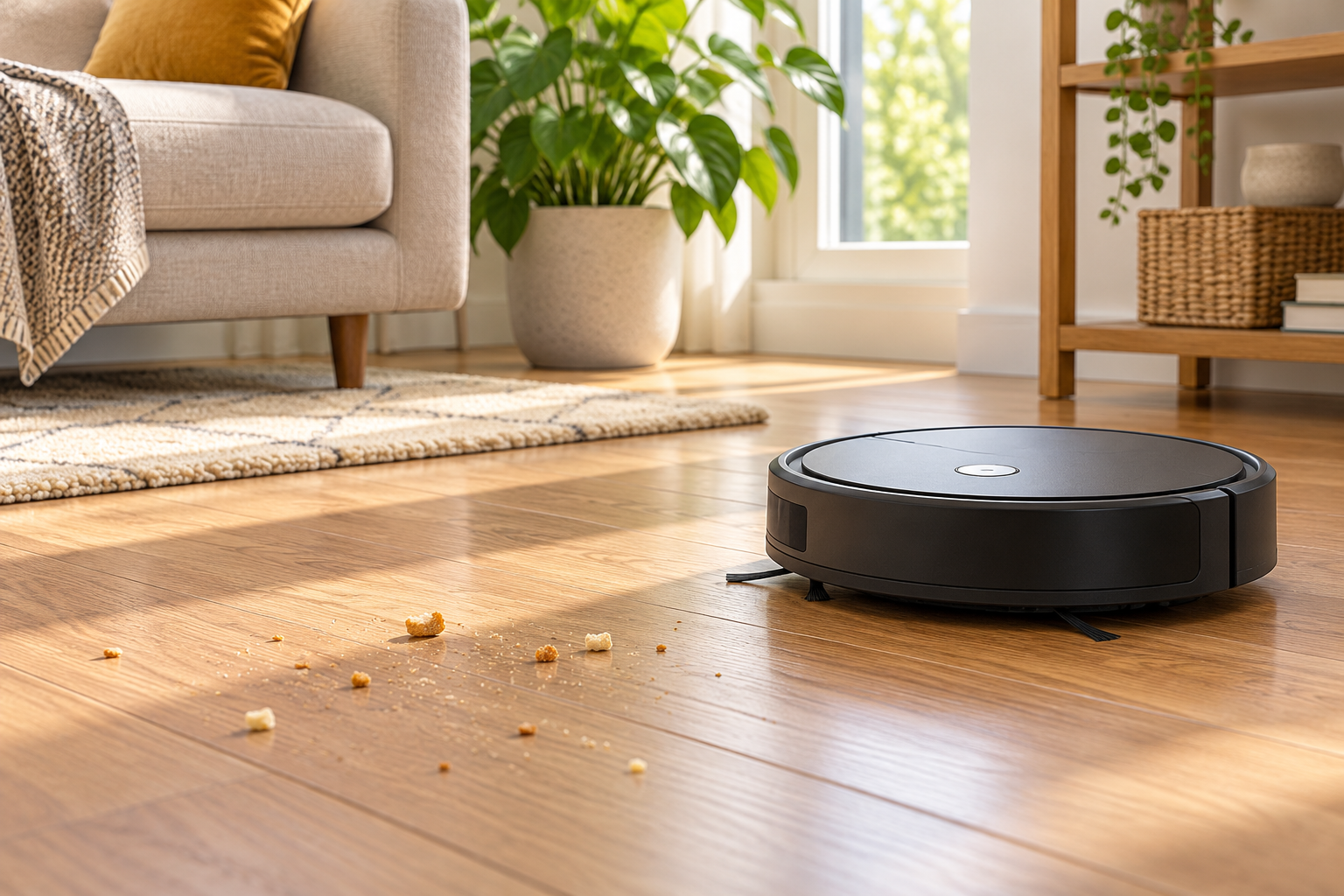
It passes over crumbs without collecting them
Follow the robot’s pickup-care instructions: bin capacity, filter, brushes and accessible intake. Note whether the change began after cleaning or replacing a part. A brush cover or filter that is not seated correctly deserves attention before an internal repair is assumed.
It collects dirt, but the dock leaves the bin full
Use the dock’s emptying guide, not just the robot’s brush guide. Check the bag, permitted accessible passages and emptying settings for that exact dock. A failed emptying cycle can leave a full bin for the next run, so both symptoms can occur together.
It never reaches the dirty patch
Review access obstacles and, where supported, selected rooms, schedules, no-go zones and the chosen cleaning mode. Confirm the program includes vacuuming rather than only mopping. This is a coverage question before it is a suction question.
Use observations from normal cleaning and any app error or cleaning history. An empty robot bin afterward does not prove it collected nothing: a working self-emptying dock may already have transferred the dirt. Do not reach underneath a running robot to check its brushes.
Power down before handling the cleaning parts
Follow the model’s shutdown and power-disconnection instructions before removing brushes, the bin or debris. Unplug the dock before maintaining it. Keep fingers, hair and clothing away from moving parts.
Stop using or charging it for unusual heat, a burning smell, smoke, liquid in electrical areas, or swelling or splitting around the battery casing. Disconnect power only if safe and seek manufacturer guidance. Do not open the battery, dock electronics or sealed fan housing.
Filter care is not interchangeable between models
The Roborock S7 manual describes a washable filter and warns against brushing or scraping its surface. In contrast, iRobot’s poor-pickup guide for Roomba e, i and j series and Combo 10 Max says their filters must not be washed or exposed to liquid. A washable bin does not make its filter washable.
With the robot safely off, inspect only the owner-accessible parts identified in its manual. Empty the bin if needed; perform the prescribed filter care; remove hair or thread from permitted brush areas; and check that the brush cover, filter and bin seat securely. Look for a damaged latch or seal rather than forcing a part into place.
Do not push tools into the fan, use compressed air to chase an internal blockage, or run without the required filter. Let washable parts meet the manual’s full drying requirements before reinstalling them. If pickup became worse immediately after maintenance, check correct parts and reassembly before buying anything else.
Match the dock name as carefully as the robot name
Roborock publishes different emptying guidance for Auto-Empty Dock Pure and RockDock Plus and for the Empty Wash Fill Dock used with the listed S7 MaxV Ultra, S7 Max Ultra and Q Revo models. Both discuss brush-cover installation and blockages, but the parts and access procedures differ. Do not apply a diagram from a similar-looking dock to yours.
For missed coverage, Roborock’s guidance starts with access obstacles and sensor care. Use your exact manual for sensor-cleaning materials. Keep physical barriers protecting stairs or other hazards in place; app boundaries are not a substitute for them.
After the prescribed care, what would justify service?
Once everything is correctly reassembled and dry, follow the manufacturer’s recheck instructions. If pickup is still poor or the same error returns, give support the robot and dock model names, exact error, affected floor type and which of the three patterns above you observed. Avoid repeated resets as a general cleaning fix; read what your model’s reset removes before agreeing to it.
Start with warranty support. If considering paid service, ask which unit needs assessment—the robot, dock or both—and get packing instructions before shipping. A suspect battery needs specific handling advice, not an ordinary parcel shipment. Compare the complete quote and declined-repair charges with a replacement that provides the cleaning and dock functions you use.
You can ask Mad Labs about the symptoms, but an inquiry does not establish service availability or acceptance. This guide draws on the linked manufacturer resources, checked November 2, 2026; it does not report hands-on testing or claim a manufacturer partnership.