Plugged in, weird LED, no charge
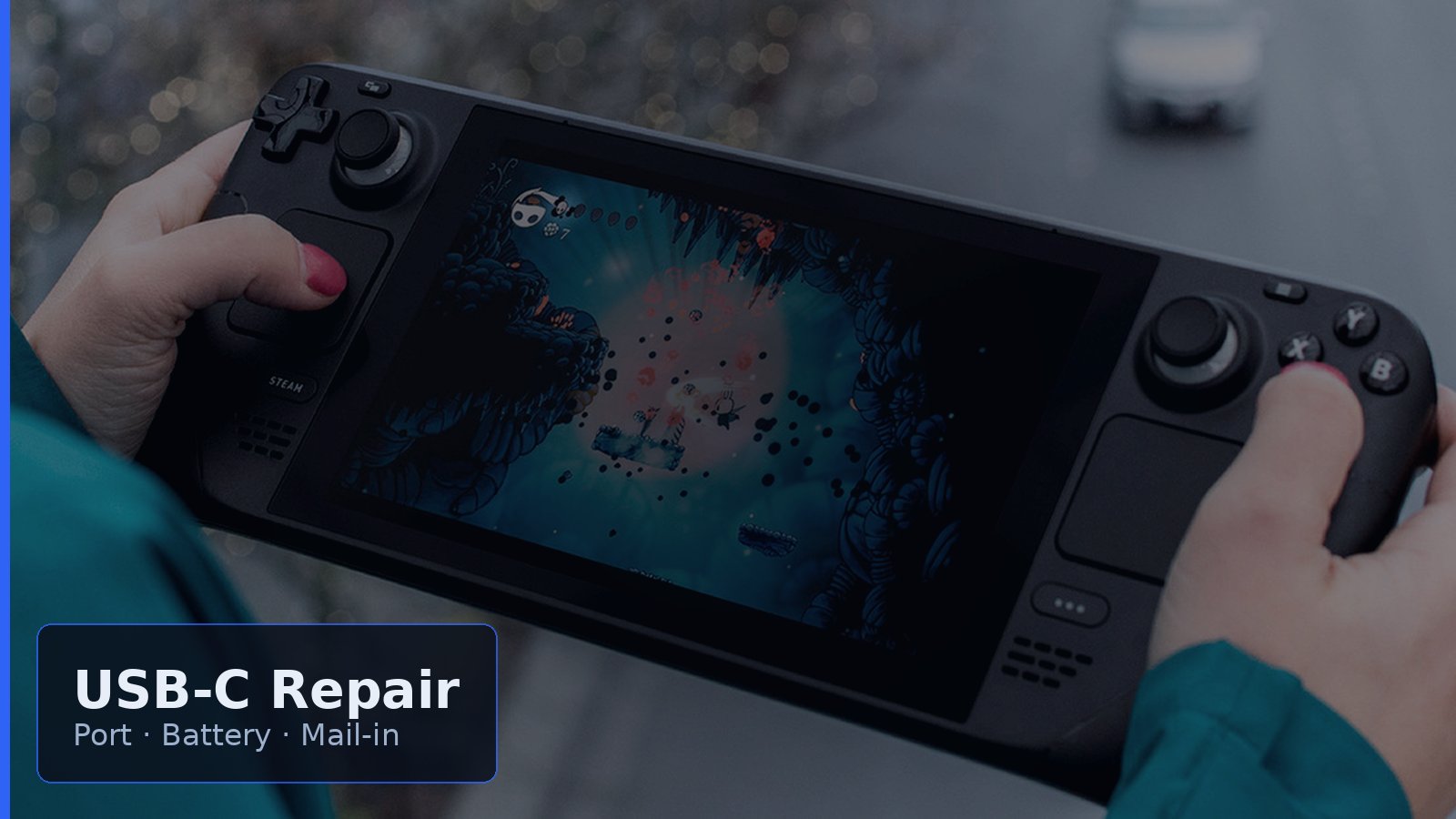
A Steam Deck that will not charge is high-stakes because the whole unit lives through one top-edge USB-C. Start with known-good PD gear, a clean port, a hard reset, and a SteamOS battery check before assuming the handheld is dead.
Safe DIY first
- Known-good 45W-plus USB-C PD charger and E-marked cable.
- Power off and carefully clear lint from the USB-C port.
- Hold power about 12 seconds, then retry charging.
- If it boots, check Desktop Mode battery percentage and charge-limit quirks on newer SteamOS. Follow current Valve Battery Storage Mode guidance at a high level.
Stop DIY when: USB-C is loose or wobbly, charge only works when the cable is wiggled, the shell feels swollen or hot, or there is no LED with a verified good 45W-plus PD brick and cable.
What is failing
Worn USB-C ports and pads are common after docking. Batteries can cause wall-only boot, odd percentage drops, or heat. If the port looks solid and PD gear is proven, the power path or daughterboard may need bench diagnosis. LCD and OLED revisions differ, so confirm on the bench rather than guessing from photos.
Repair vs replace
Independent USB-C or board-level repair is often worth comparing with replacing a Deck, and focused repair is often hundreds less than buying another handheld. Valve RMA remains the OEM path. Get a diagnosis-first estimate, then weigh cost and downtime.
Mail-in tips: Pad well, protect the screen, insure for full replacement value, describe symptoms and chargers already tested, and ask for diagnosis-first. Mad Labs Repair intake routes specialty electronics to the right specialist path for hard repairs rather than claiming an in-house Steam Deck microsoldering bench when a partner shop is needed.
Independent shops vs Valve
Valve RMA is official. Independent shops advertising Steam Deck USB-C or board work (research examples only: BlueUplink, Video Game 911, Logistics CT-style USB-C services) can fit focused port or battery repair. This is a landscape map, not an endorsement.
Soft close: Fix what is worth keeping. If the Deck still plays the way you bought it for, a real charge-port or battery diagnosis usually beats guessing, and Mad Labs can help intake symptoms and route the hard stuff.