
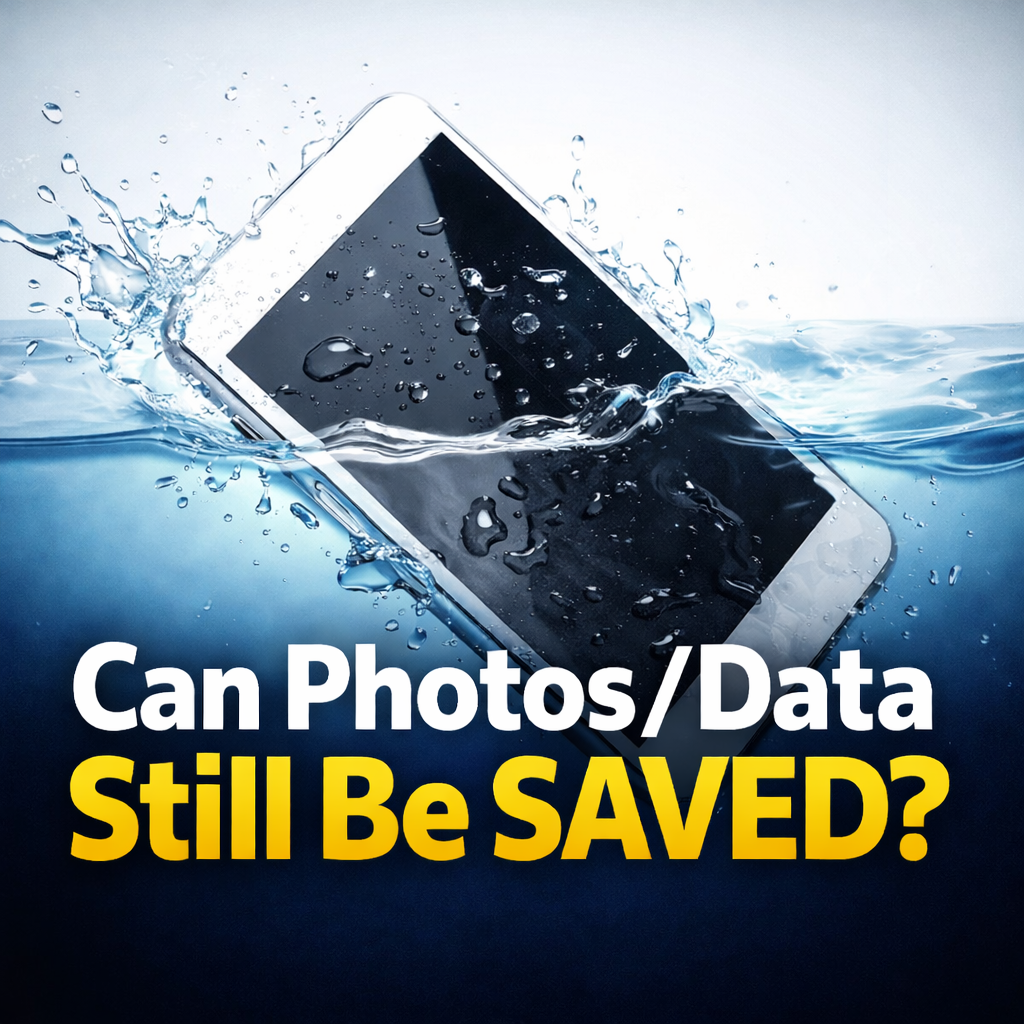
Yeah — sometimes the photos/data can still be saved, even if the phone won’t power on. The biggest factor is whether the phone was powered/charged while moisture was inside (that’s what causes shorts and corrosion).
If the photos matter, don’t gamble.
✅ Start a Repair
If your phone was exposed to liquid, don’t plug it in until it’s completely dry. Charging wet can cause corrosion and permanent damage.
If it’s still on, turn it off. If it’s already dead, don’t keep trying to boot it.
Leave it in a dry area with airflow (a fan is fine). Avoid heat. Apple and Samsung both warn against using external heat sources like hair dryers/hot air.
No cotton swabs, paper towels, toothpicks, etc. Google also explicitly says don’t put anything into the USB-C port/cable if there’s moisture or debris.
✅ Start a Repair
If you did any of the above already, it doesn’t mean it’s hopeless — it just means you should stop now.
✅ Start a Repair
Water doesn’t just “dry out and disappear.” If moisture (or salt/sugar/chlorine) gets inside, it can leave residue that causes corrosion and shorts—sometimes immediately, sometimes days later.
That’s why turning it on/charging it while wet is the real enemy.
Water-resistant is not waterproof, and resistance can decrease over time (normal wear, drops, repairs, etc.). Apple explicitly notes water resistance is not permanent and liquid damage isn’t covered under warranty.
Sometimes yes. Here’s the practical way to think about it:
Either way, the safest move is the same: stop powering it and start a repair.
✅ Start a Repair
Those are tougher than clean water. Samsung specifically warns that impurities can speed up corrosion and recommends drying thoroughly and getting it checked rather than powering it back on.
Translation: treat this as urgent.
✅ Start a Repair
Apple’s guidance is: unplug, dry with airflow, and it can take up to 24 hours to fully dry (and Apple also recommends waiting before charging/connecting accessories after liquid exposure).
If your phone won’t turn on, don’t keep trying to charge it—just start a repair.
Disconnect the cable and don’t reconnect until everything is dry. Apple warns charging wet can corrode the connector and cause permanent damage
If there’s a “liquid or debris” message, Google says don’t put anything into the port and to let it dry at room temperature.
If your water-damaged phone won’t turn on, the #1 mistake is continuing to test it (power/charge cycles).
✅ Start a Repair
%20(7).png)
Fix what’s worth keeping.
Copyright © 2025 Mad Labs Repair. All Rights Reserved


