
Last updated: August 2, 2026
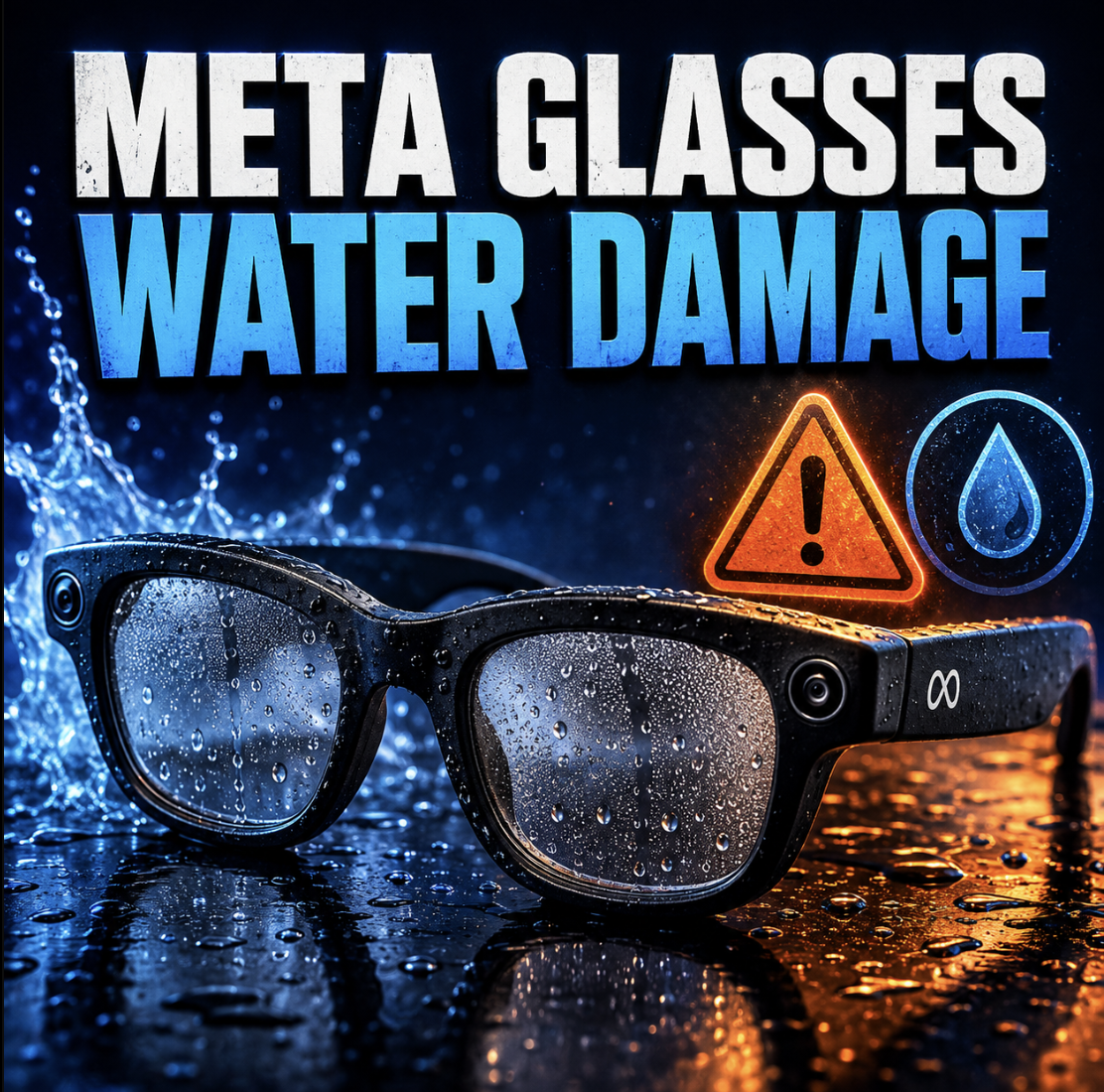
Meta Glasses Water Damage: Rain, Shower, Pool, or Salt Water — What’s Actually Saveable
Water is the most common way a healthy pair of Meta glasses turns into a dead one — and the most misunderstood. The requests that reach us follow the same handful of stories: glasses worn in the rain that stopped working, glasses worn right after a shower whose speakers died and then everything died, glasses dropped in the sea that never powered on again, and glasses that survived a soaking but now refuse to charge past 10%.
What happens in the first thirty minutes after water exposure — and what you refuse to do in the first few days — decides more about the outcome than anything a repair bench can do later. This guide covers what your specific model is actually rated to survive, why glasses so often die days after the water, and when water-damaged Meta glasses are genuinely worth saving.
Mad Labs offers independent mail-in repair help for Meta smart glasses across the lineup — Ray-Ban Meta Gen 1 and Gen 2, Ray-Ban Stories, Oakley Meta HSTN and Vanguard, and the Meta Ray-Ban Display. We are not Meta, Ray-Ban, or Oakley warranty service, and liquid damage sits outside most standard warranty coverage — which is exactly why this page exists.
The first 30 minutes: what to do right now
If your glasses just got wet — rain, shower steam, a pool, a wave — work through this board before anything else. Every item on the right column has personally killed glasses that the left column might have saved.
- Power them off with the power slider and leave them off. Electricity flowing through wet circuitry is what turns moisture into dead hardware.
- Dry the outside completely with a soft, lint-free cloth — frames, lenses, hinge areas, and especially the charging contacts at the nose bridge.
- Hold them with openings facing down and gently shake so water drains out of the speaker grilles and microphone ports instead of deeper in.
- Leave them in open, moving air at room temperature — near a fan is ideal. Airflow does the real drying work.
- Note what the water was. Rain, shower, pool, hot tub, or sea water lead to very different outcomes, and whoever diagnoses them will ask.
- Do not charge them. Not to “test if they still work.” Charging pushes current through wet electronics and is the single most common way a survivable exposure becomes a dead pair.
- Do not put them in the charging case. The case is not water resistant at all, its contacts touch theirs, and a wet pair can take the case’s electronics down with it.
- Do not keep power-cycling them to check for signs of life. Every power-on while moisture is inside is another roll of the dice.
- Do not use heat — no hair dryer, no radiator, no oven, no dashboard in the sun. Heat warps frames, stresses the glued seams, and is dangerous around the lithium batteries in the arms.
- Do not bury them in rice. More on why below — it wastes the exact days that matter most.
Straight answer: off, dry, drained, airflow, patience. If the glasses hold photos or videos you care about, or the water was salty, skip straight to the salt water and data first sections — your priorities are different.
Are Meta glasses waterproof? What IPX4 and IP67 really mean, model by model
No Meta glasses are waterproof. Most are water resistant, which is a much narrower promise than people assume — and the promise varies by model. Meta’s own guidance for the IPX4-rated models is blunt: they can handle getting caught in light rain, you should take them off and dry them as soon as you can, and they are not designed for submersion or extended exposure to any liquid.
| Model | Rating | What that covers | What it does not cover |
|---|---|---|---|
| Ray-Ban Meta Gen 1 & Gen 2 | IPX4 | Splashes from any direction: light rain, sweat, an accidental spill — if dried promptly. | Submersion, showers, steam rooms, sustained heavy rain, pressurized water, or any “extended exposure.” |
| Ray-Ban Stories (2021) | No advertised IP rating | Treat as everyday-splash tolerant at best. | Everything else — the oldest hardware in the lineup deserves the least confidence around water. |
| Oakley Meta HSTN | IPX4 | Splash and sweat resistance for regular training use. | Submersion and extreme conditions — Meta itself positions HSTN as the less rugged of the two Oakleys. |
| Oakley Meta Vanguard | IP67 | Dust-tight, plus survival of fresh-water immersion up to 1 meter for 30 minutes. Built for rain, sweat, and rugged outdoor use. | Salt water and chlorinated pools are still corrosive chemistry, and IP testing is done with fresh water. Rated is not invincible. |
| Meta Ray-Ban Display + Neural Band | IPX4 | Splash and light-rain resistance, same tier as the standard Ray-Ban Metas. | Submersion — and this is the model where water damage is most expensive, because the display optics live in the right lens and arm. |
| The charging case (all models) | None | Nothing. Meta states the case is not water resistant at all. | Any liquid exposure — a wet case, or wet glasses docked into a dry case, can damage both. |
Two details in the fine print matter more than the ratings themselves. First, IPX4 testing is about brief splashes of fresh water on a sealed, undamaged device — a pair that has been dropped, sat on, or already has a cracked arm has lost seal integrity the rating assumed. Second, Meta’s own instruction after any water exposure is to dry the product thoroughly and clear the charging areas of residue — an acknowledgment that the charging contacts at the nose bridge are the vulnerable gateway.
Rain vs. shower vs. pool vs. sea: the water severity ladder
“They got wet” covers situations with completely different survival odds. What the water was, and how long it had access, matters more than how wet the glasses looked.
| Exposure | Risk | Why |
|---|---|---|
| Light rain, quickly dried | Low | This is what IPX4 exists for. Dry them promptly — including the contacts — and most pairs are fine. |
| Sweat, daily and heavy | Cumulative | Sweat is salt water in slow motion. One workout is nothing; a year of soaked sessions corrodes contacts and creeps into mic ports. This is precisely why the Vanguard exists with an IP67 rating. |
| Sustained heavy rain | Moderate | “Caught in light rain” is the rating; a twenty-minute downpour is extended exposure that Meta explicitly excludes. Requests that start “I wore them in the rain” and end “they stopped working” are among the most common we see. |
| Shower, steam room, or worn right after a hot shower | High | Steam is the loophole in splash ratings: hot water vapor penetrates the open microphone and speaker ports that a splash would bounce off, then condenses inside as the glasses cool. One real pattern from our requests: worn after a shower, both speakers died, then weeks later the glasses stopped powering on entirely. |
| Dropped in a pool, sink, or fresh water | High | Submersion is beyond every model’s rating except the Vanguard’s. Chlorine adds mild corrosive chemistry, and water reaches the interior through every opening at once. Speed of response decides these cases. |
| Sea water, even briefly | Severe | Salt water conducts aggressively, shorts powered circuits instantly, and keeps corroding after everything looks dry. This is the exposure most likely to kill glasses permanently — and it has its own section below. |
Why Meta glasses die days after getting wet
The most confusing water-damage story is also the most common one: the glasses got wet, seemed fine or mostly fine, and then died a week later. That is not bad luck — it is chemistry on a schedule. Water itself conducts electricity poorly; it is the dissolved minerals, salts, chlorine, sweat, and soap in real-world water that conduct, short circuits, and then keep reacting with the metal on the boards long after the visible water is gone.
The practical takeaway: a pair that got seriously wet and “still works” is not out of the woods — it is in the false-recovery window, which is the single best time to have the inside inspected and cleaned. Corrosion caught early is a cleanup; corrosion caught late is a board repair.
The “Liquid detected” error — and glasses that won’t charge after water
Meta’s charging system has a built-in tell: a liquid-detection charging error that fires when moisture is interfering with the charging interface between the nose bridge of the glasses and the case. Meta’s guidance is to wipe the charging contacts clean on both the glasses and the case and try again — and for a fresh splash, that genuinely is the fix.
Where it turns into a hardware conversation:
- The error keeps returning on dry glasses. If contacts are visibly clean and dry but liquid detection still trips, residue or corrosion at the contact interface — or moisture still trapped behind it — is being read as liquid.
- Charging stalls at a fixed percentage. One recurring pattern in our requests: after moisture exposure, glasses that stick at 10% and never climb, with a case that behaves normally. That points at the glasses’ charging circuit or battery rather than the case.
- The case light reacts, the glasses never do. If the case flashes its docking light but the glasses show no LED after hours, the power path inside the glasses is suspect — the same dead-glasses territory covered in our case-light-blinks-then-nothing guide, with water as the likely cause.
One caution: liquid detection only watches the charging interface. It cannot see water that entered through the speaker grilles or microphone ports — so “no error” after a soaking is not a clean bill of health.
The rice myth — and what actually helps at home
Rice keeps showing up in water-damage requests — including from owners who did everything else right. The problem: rice barely absorbs moisture from the air around a device, cannot reach water that has already gotten inside a glued, sealed frame, and does nothing at all about the mineral residue that causes the delayed failures above. Its real cost is time — days spent in a bag of rice are days the corrosion clock runs unopposed.
What is actually worth doing at home, given that Meta glasses are sealed with adhesive and should not be opened casually:
- Everything on the first-30-minutes board: off, externally dried, drained through the openings, then open moving air. Airflow outperforms any absorbent.
- Silica gel beats rice if you want a desiccant: seal the glasses in a container with a generous amount of silica packs. It helps with humidity; it still cannot fix residue.
- Clean the charging contacts once the glasses are dry: a lint-free cloth, or a cotton swab very lightly dampened with high-percentage isopropyl alcohol, on the external contact points only. Several of our customers have done exactly this correctly — it is the one piece of contact-level first aid available without opening anything.
- Then wait 24–48 hours before any power-on attempt — and make the first test a power-on, not a charge.
Straight answer: home treatment can dry a lightly-splashed pair completely. What it cannot do is remove conductive residue from inside a sealed frame — that is the part that requires opening the glasses, and the part that determines whether a soaked pair survives the month.
Salt water is a different emergency
Sea spray, a wave, a drop off a boat, glasses knocked off in the surf — salt water cases are the ones where hours genuinely matter. Three things make salt different:
- It conducts far more aggressively than fresh water, so powered circuits short harder and faster on contact.
- It keeps working after it dries. Salt crystallizes on boards and contacts, pulls moisture back out of the air, and sustains corrosion indefinitely. A salt-exposed pair that looks bone dry is still actively corroding.
- It escalates the repair. Fresh-water cleanup is often a matter of drying and residue removal; salt exposure routinely means visible green-white corrosion on contacts, eaten solder joints, and damage that spreads to the battery connections in the arms.
If your glasses met salt water: power off immediately, rinse-wipe the exterior with a cloth dampened in fresh water (counterintuitive, but removing salt from the outside beats leaving it), dry thoroughly, do not charge, and get them inspected as fast as realistically possible. One of the most painful patterns in our inbox is the salt-water pair left in a bag with desiccant for a week while the owner hoped — with irreplaceable video still trapped inside. Early inspection is the difference between a corrosion cleanup and a recovery attempt.
If there are photos or videos on them, data comes first
Water-damage cases regularly involve something worth more than the glasses: unimported captures. Vacation video, a graduation, the last recordings before the failure. This changes the decision order completely, because the two standard responses to dead glasses both threaten the data — a factory reset wipes unimported media, and a warranty replacement takes the glasses (and their storage) away entirely.
If your water-damaged glasses hold media you need: stop all reset attempts, stop charging experiments, and treat it as a data recovery case before a repair case. The storage chip frequently survives exposures that kill the power circuitry around it — which means “the glasses are dead” and “the videos are gone” are two different questions, and the second one often has a better answer than owners expect.
Never do these to wet Meta glasses
Every one of these shows up in real requests, usually right before the sentence “and then they stopped working completely.”
What professional water-damage treatment actually involves
Honest expectations, because water damage has the widest range of outcomes of anything we see on Meta glasses. Real treatment is not drying — it is decontamination: opening the sealed frame, removing residue and corrosion from the boards and connectors (typically with electronics-grade solvents and careful cleaning rather than guesswork), inspecting the charging path and battery connections, repairing corroded joints where the damage is repairable, and testing each subsystem — power, charging, audio, mics, camera — before reassembly.
What shapes the odds:
- Time since exposure — the dominant factor. Days-old fresh water is a strong candidate; months-old salt water is a recovery attempt.
- What the water was — the severity ladder above translates directly into bench outcomes.
- Whether it was charged while wet — powered corrosion and shorted charge circuits are the difference between cleaning and component-level repair.
- Which model — on standard Ray-Ban and Oakley Meta frames the usual casualties are speakers, mics, contacts, and the charging path, all diagnosable. On the Meta Ray-Ban Display, water near the right arm threatens the projector and display optics, which raises the stakes considerably.
And sometimes the honest answer is that a pair is not economically saveable — severe salt corrosion across multiple boards on a Gen 1 pair may cost more to revive than the glasses justify. We would rather tell you that after a diagnosis than let you pay to find out slowly. Water damage is one of the six failure families we walk through in our wider Meta glasses problem guide — and it is the one where acting early changes the ending most.
Warranty reality: why liquid damage lands here
Standard limited warranties on consumer electronics cover manufacturing defects — and liquid damage is generally classified as accidental damage, outside that coverage. In practice, that is exactly what the water-damage requests in our inbox describe: owners past the warranty window, or inside it but facing an exposure that coverage does not include.
Still check before assuming. If you purchased extended or accidental-damage coverage (Meta’s paid protection plans, a retailer plan, or credit-card purchase protection), water exposure may be covered, and a discounted out-of-warranty replacement through official channels is sometimes on the table. Two honest caveats: replacement means surrendering the glasses — along with any unimported captures on them — and describing the failure accurately matters. Concealing water exposure from a warranty claim is a bad idea legally and practically; internal liquid-contact indicators and corrosion make it obvious anyway.
When water-damaged Meta glasses are worth saving
- The exposure was recent. Anything inside the first couple of weeks — especially fresh water — is worth a diagnosis before you spend a cent on replacement.
- They hold data you need. Trapped captures make even a “dead” pair worth sending in, because storage survives what power circuits do not.
- Prescription lenses are involved. Owners consistently tell us their prescription lenses cost more than the frames. Saving the glasses saves the lenses.
- It is a Gen 2, Vanguard, or Display. The newer and more expensive the model, the more sense early intervention makes — a $799 Display with water in one arm deserves a professional look, not a bag of rice.
- The symptoms are partial. One dead speaker, a stalling charge, a muffled mic after water — partial failures mean the pair is still fighting, and early cleanup can stop the spread.
The weaker cases: old salt-water exposures on Gen 1 hardware, pairs that were charged repeatedly while wet over weeks, and glasses already fully dead for months with no data on them. Those get an honest “probably not worth it” more often than a repair quote.
What to include in a mail-in request
Water cases are diagnosed faster with history than with any photo of the outside. The requests we can act on immediately include:
- Model and generation — Ray-Ban Meta Gen 1 or Gen 2, Stories, Oakley HSTN or Vanguard, or Ray-Ban Display.
- What the water was and how long: light rain, downpour, shower or steam, pool, hot tub, or sea water — and whether they were submerged or splashed.
- When it happened — the corrosion clock makes the date genuinely diagnostic.
- Whether they were powered or charged after exposure, and what happened when they were.
- Current symptoms in order of appearance: which died first — audio, mic, charging, power — tells us the water’s path.
- What you have already tried: drying method, contact cleaning, rice, resets.
- Data status: whether unimported photos or videos are on the glasses, and whether recovery is the priority.
- Photos: the frames, the charging contacts at the nose bridge (corrosion shows there first), inside the speaker grilles if visible, and the case contacts.
Send that through our mail-in repair service and you will get a straight answer on whether your pair looks like a drying-and-cleanup case, a board repair, a data-recovery-first case, or a replacement decision — before you ship anything.
FAQ
Are Meta glasses waterproof?
No. Ray-Ban Meta Gen 1 and Gen 2, Oakley Meta HSTN, and the Meta Ray-Ban Display are IPX4 water resistant — rated for splashes and light rain, not submersion or extended exposure. Oakley Meta Vanguard is the exception at IP67, rated for fresh-water immersion up to 1 meter for 30 minutes. The charging case has no water resistance at all.
My Meta glasses got rained on and stopped working. Are they dead for good?
Not necessarily. Power them off, dry them thoroughly including the charging contacts, keep them out of the case, and give them 24–48 hours in moving air before one power-on test. Rain cases caught early — and not charged while wet — are among the most saveable water exposures.
Can I wear Meta glasses in the shower?
No — and steam is the reason it goes wrong even when the water never seems to touch them. Hot vapor enters through the open microphone and speaker ports and condenses inside as the glasses cool. Shower and steam exposure is a common start to the pattern where audio dies first and full power failure follows weeks later.
My glasses fell in the sea. What should I do right now?
Power off immediately, wipe the exterior with a fresh-water-dampened cloth to remove salt, dry thoroughly, do not charge, and arrange inspection as soon as possible. Salt keeps corroding after everything looks dry, so salt-water cases are the ones where days genuinely change the outcome — especially if there is video on the glasses you need recovered.
Does the rice trick work for water-damaged smart glasses?
No. Rice cannot reach water inside a sealed, glued frame and does nothing about the conductive mineral residue that causes delayed failures. Moving air and silica gel dry the outside better, and internal residue is only addressed by opening and cleaning the glasses professionally. Rice mostly costs you the days when intervention works best.
Why do my glasses say “Liquid detected” or refuse to charge after getting wet?
Meta’s charging system flags moisture at the interface between the nose-bridge contacts and the case; wiping both sets of contacts clean and dry resolves a fresh splash. If the error returns on dry glasses, or charging stalls at a fixed percentage after water exposure, residue or corrosion in the charging path is the likely cause and it becomes a hardware diagnosis.
My glasses worked after getting wet, then died a week later. Why?
That is the classic corrosion timeline. Water leaves conductive residue on the boards; continued use and charging drives electrochemical corrosion that eats contacts and solder joints over days to weeks, until something in the power path fails. A pair that “recovered” after a real soaking is the ideal candidate for early internal cleaning — before that week arrives.
Does Meta’s warranty cover water damage?
Standard limited warranties generally cover manufacturing defects, not liquid or accidental damage. Check whether you have extended or accidental-damage coverage through Meta, your retailer, or a credit card — and note that any replacement path surrenders the glasses along with any unimported photos or videos on them, which is why data recovery is worth resolving first.

%20(7).png)